mirror of
https://github.com/kristoferssolo/solorice.git
synced 2025-10-21 20:10:34 +00:00

42 lines
1.2 KiB
Markdown
42 lines
1.2 KiB
Markdown
# ReleaseNote
|
|
## v3.0 Feature
|
|
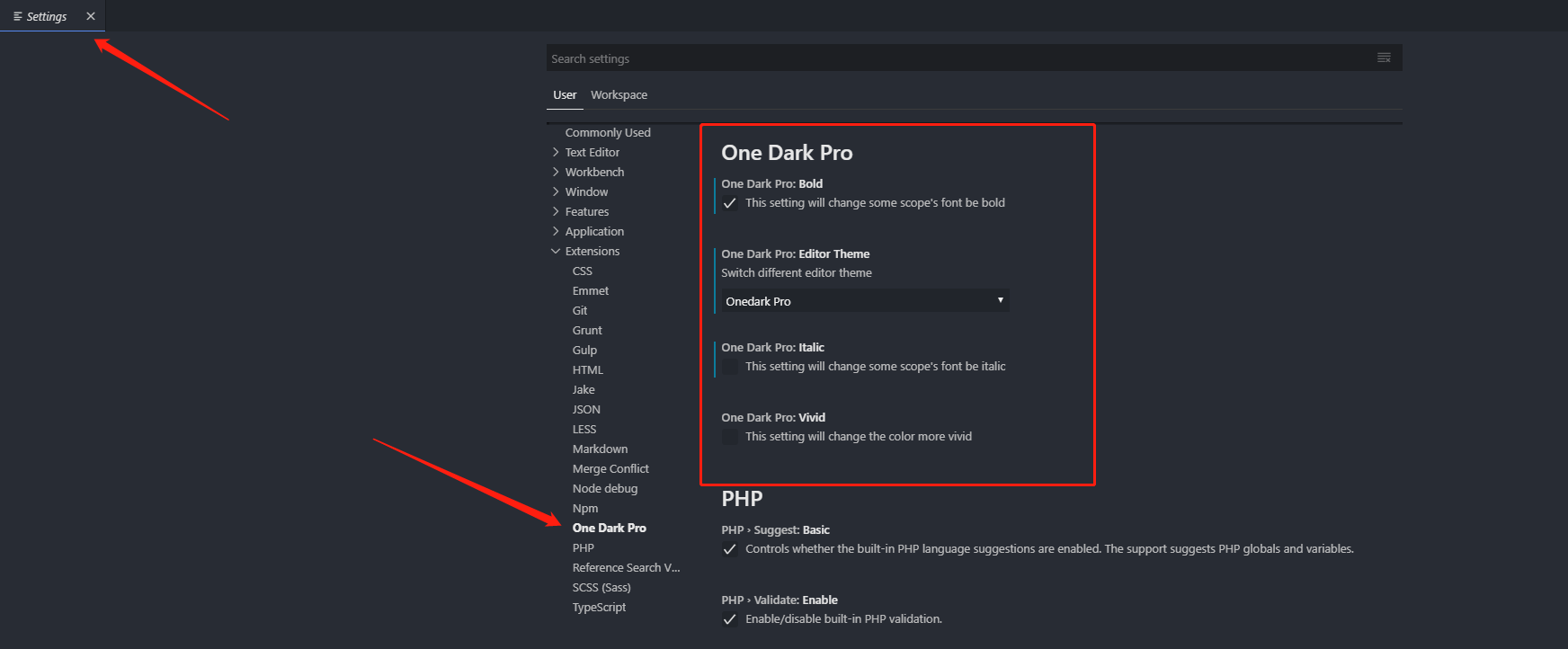
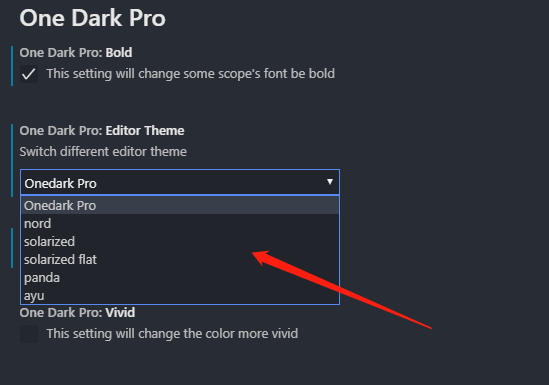
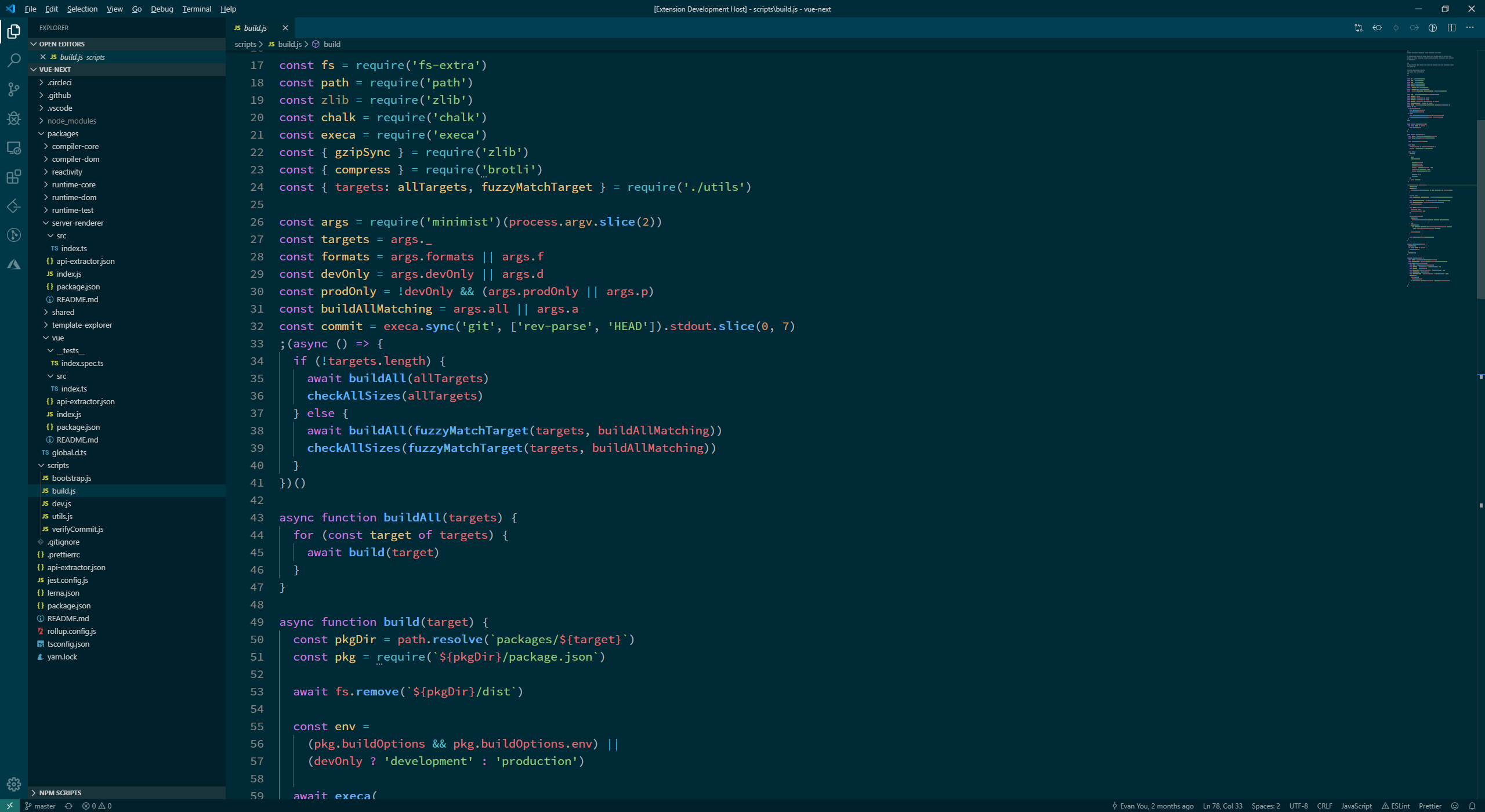
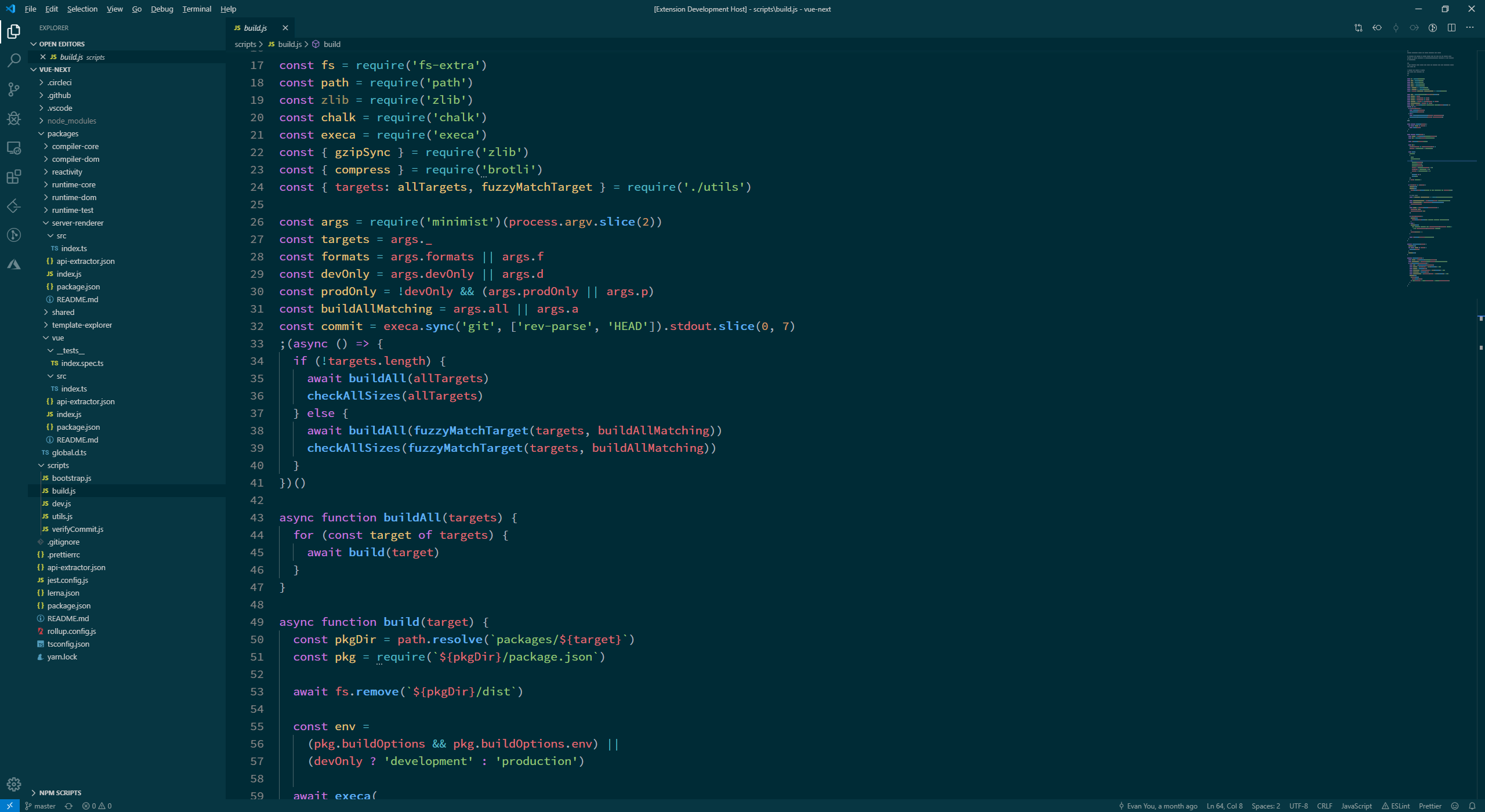
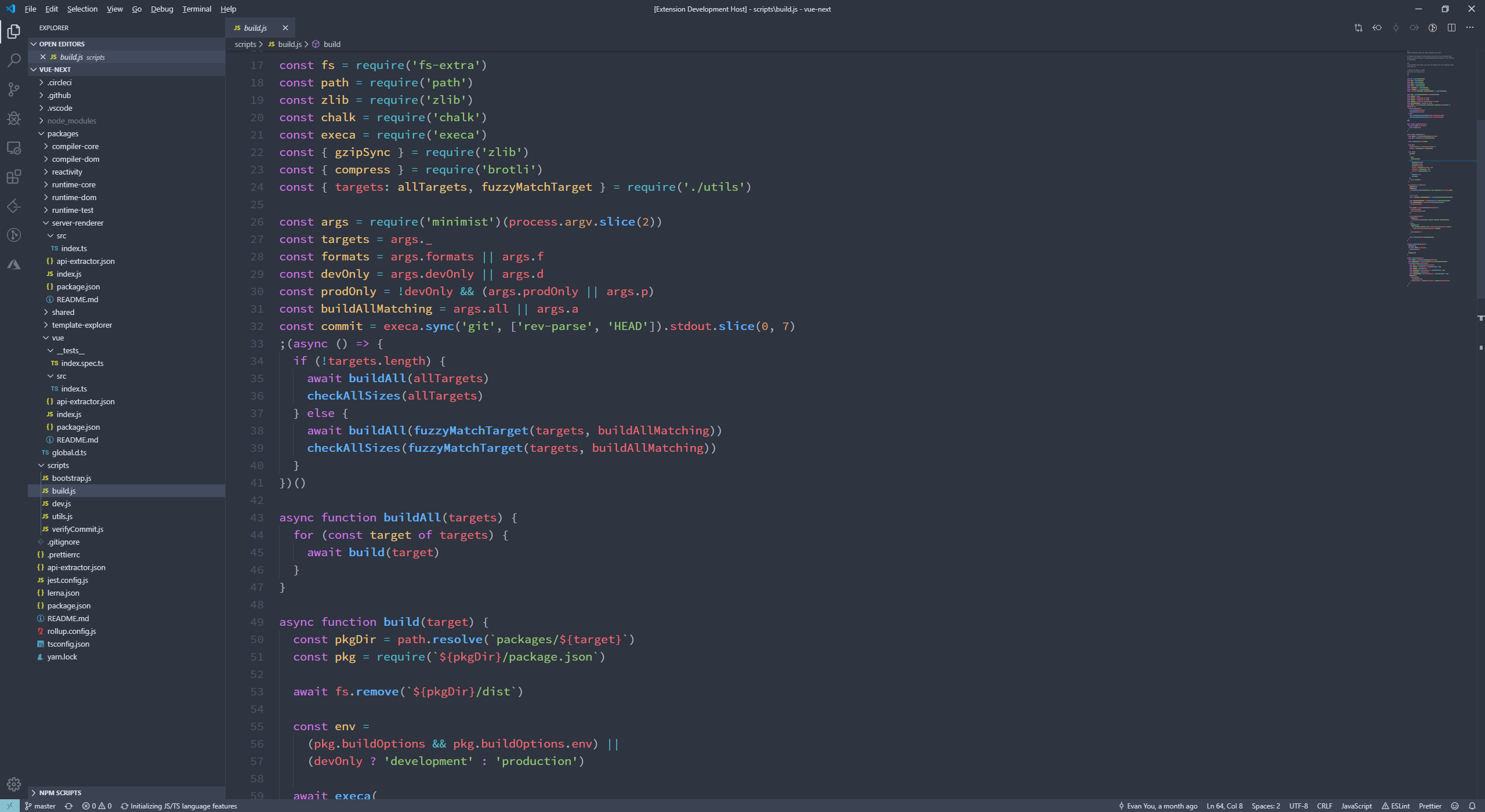
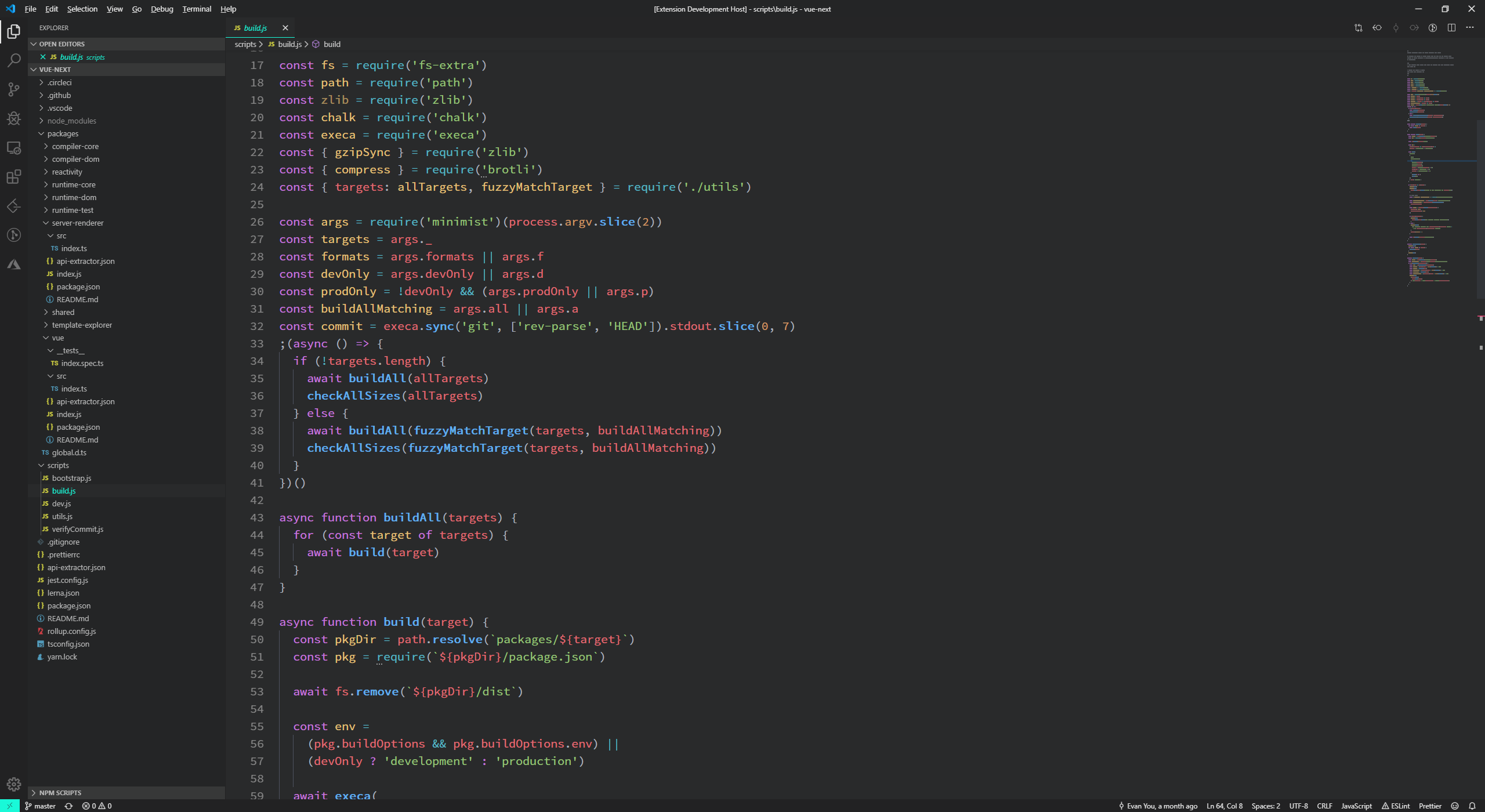
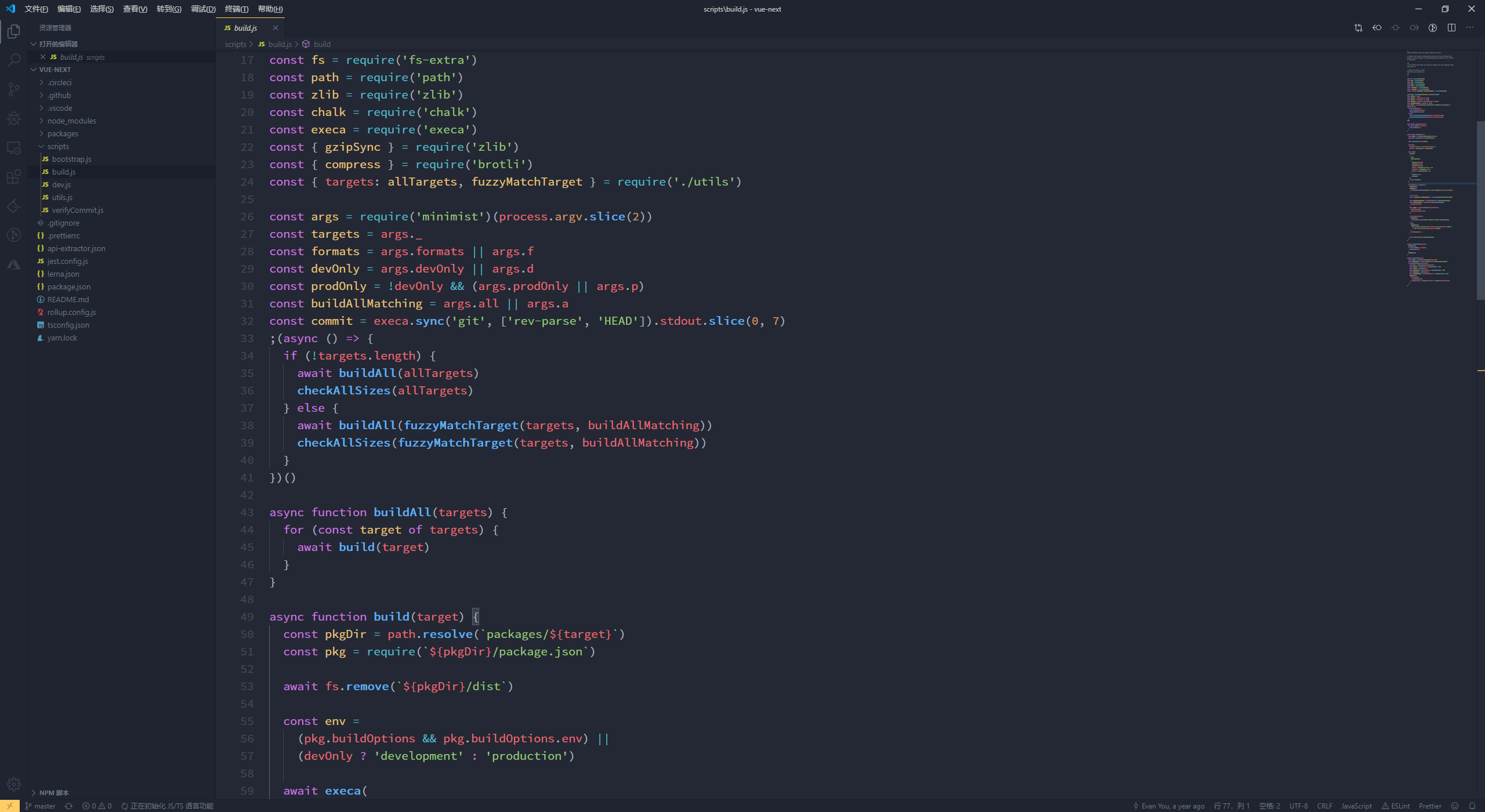
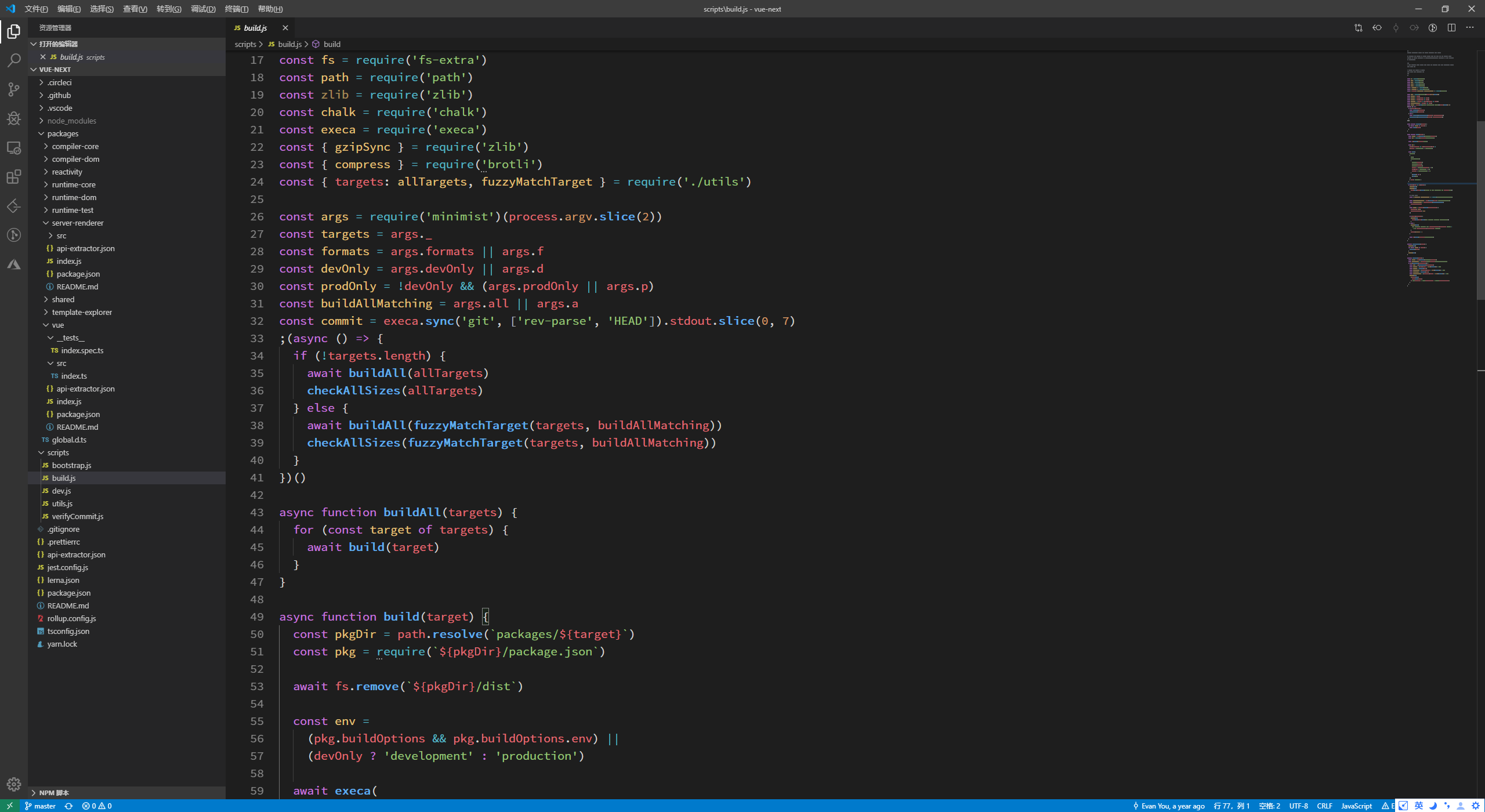
- This version become a dynamic theme, have some breaking change(a little), support switch to other editor theme(Solarized, Nord, Panda, Ayu, VS Code(dark)), switch `bold`, `italic`, `vivid` in one theme
|
|
|
|
- The old `Onedark Pro bold`, `Onedark Pro vivid` theme can't use now, but you can switch that in VS Code's setting(support multiple, no more mutual exclusion)
|
|
|
|
|
|
|
|
|
|
|
|
## Notice
|
|
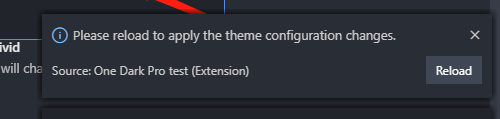
- After change the config, the new theme file will generate, for let the new theme file effect, you should reload VS Code
|
|
|
|
|
|
|
|
### Theme
|
|
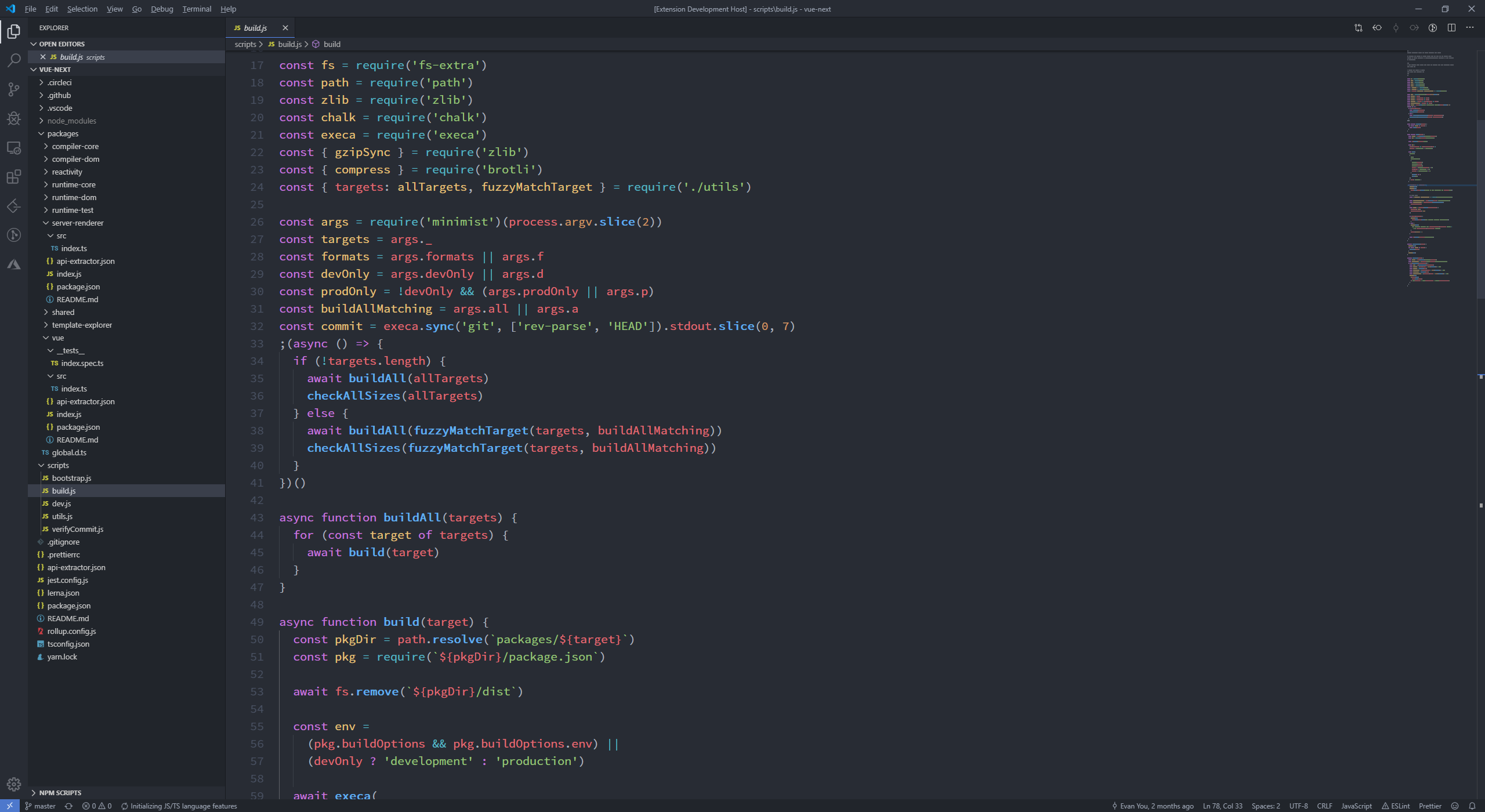
- One Dark Pro
|
|
|
|
|
|
- Solarized
|
|
|
|
|
|
- Solarized Flat
|
|
|
|
|
|
- Nord
|
|
|
|
|
|
- Panda
|
|
|
|
|
|
- Ayu
|
|
|
|
|
|
- VS Code(dark)
|
|
|
|
|
|
|
|
|
|
|
|
|