

mediainfo.yazi (fork)
This is a Yazi plugin for previewing media files. The preview shows thumbnail
using ffmpeg if available and media metadata using mediainfo.
Important
Minimum version: yazi v25.5.31.
Preview
-
Video
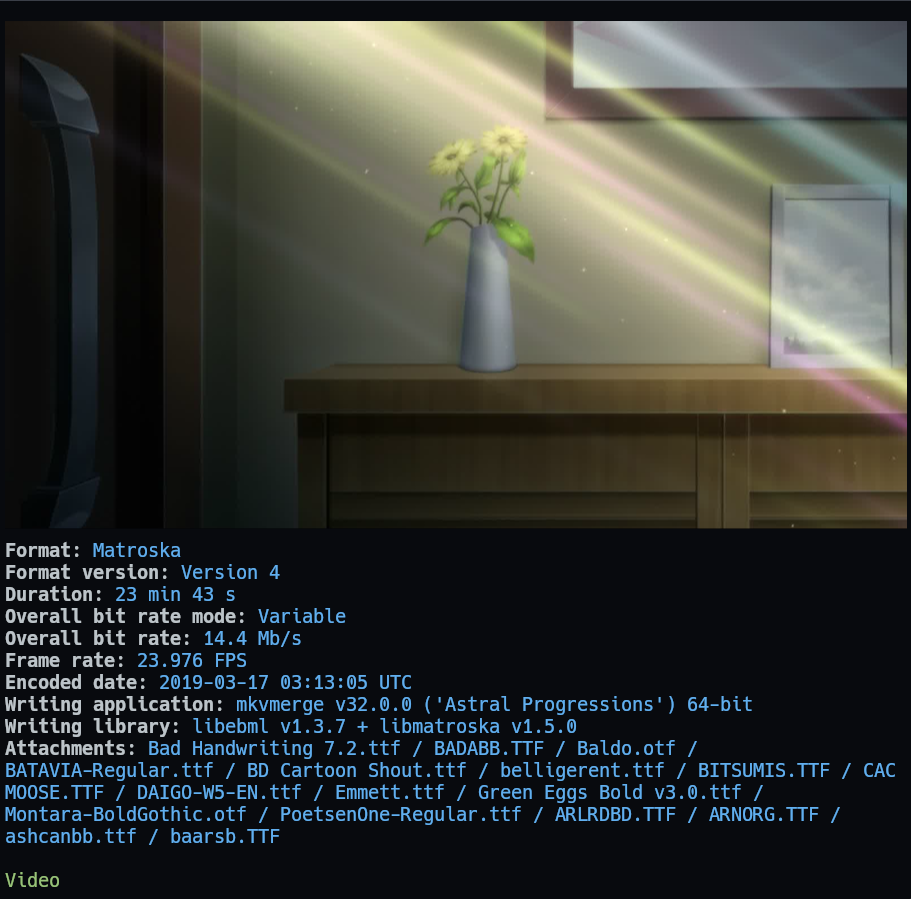
-
Audio file with cover
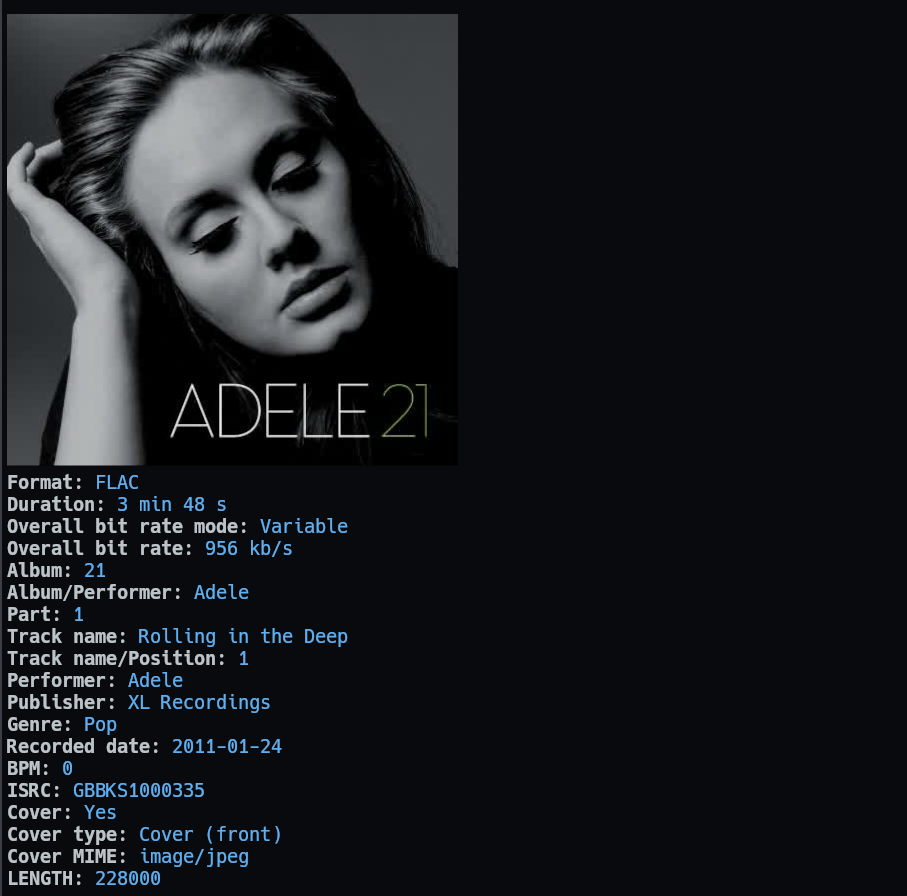
-
Images
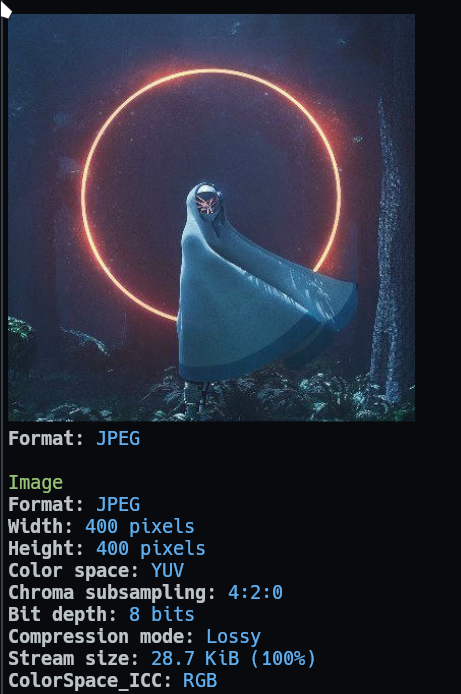
-
Subtitle
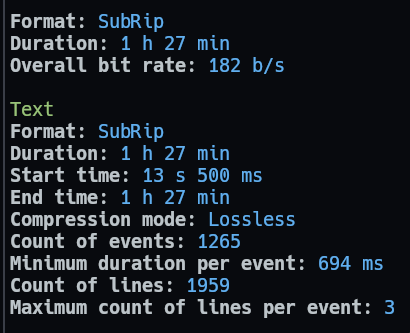
-
SVG+XML file doesn't have useful information, so it only show the image preview.
-
There are more file extensions which are supported by mediainfo. Just add file's MIME type to
prepend_previewers,prepend_preloaders. Usespotterto determine File's MIME type. Default is<Tab>key


Installation
-
Install mediainfo CLI:
-
Run this command in terminal to check if it's installed correctly:
mediainfo --versionIf it output
Not foundthen add it to your PATH environment variable. It's better to ask ChatGPT to help you (Prompt:Add MediaInfo CLI to PATH environment variable in Windows).
-
Install ImageMagick (for linux, you can use your distro package manager to install): https://imagemagick.org/script/download.php
-
Install this plugin:
ya pkg add boydaihungst/mediainfo
Configuration:
Important
mediainfouse built-in video, image, svg, magick plugins behind the scene to render preview image, song cover. So you can remove those 4 plugins fromprepend_preloadersandprepend_previewerssections inyazi.toml.
If you have cache problem, run this cmd, and follow the tips: yazi --clear-cache
Config folder for each OS: https://yazi-rs.github.io/docs/configuration/overview.
Create .../yazi/yazi.toml and add:
Important
For yazi (>=v25.12.29) replace
namewithurl
[plugin]
  prepend_preloaders = [
    # Replace magick, image, video with mediainfo
    { mime = "{audio,video,image}/*", run = "mediainfo" },
    { mime = "application/subrip", run = "mediainfo" },
    # Adobe Illustrator, Adobe Photoshop is image/adobe.photoshop, already handled above
    { mime = "application/postscript", run = "mediainfo" },
  ]
  prepend_previewers = [
    # Replace magick, image, video with mediainfo
    { mime = "{audio,video,image}/*", run = "mediainfo"},
    { mime = "application/subrip", run = "mediainfo" },
    # Adobe Illustrator, Adobe Photoshop is image/adobe.photoshop, already handled above
    { mime = "application/postscript", run = "mediainfo" },
  ]
  # There are more extensions which are supported by mediainfo.
  # Just add file's MIME type to `previewers`, `preloaders` above.
  # https://mediaarea.net/en/MediaInfo/Support/Formats

# For a large file like Adobe Illustrator, Adobe Photoshop, etc
# you may need to increase the memory limit if no image is rendered.
# https://yazi-rs.github.io/docs/configuration/yazi#tasks
[tasks]
  image_alloc      = 1073741824        # = 1024*1024*1024 = 1024MB
Custom theme
Using the same style with spotter. Read more
Edit or add yazi/theme.toml:
[spot]
# Section header style.
# Example: Video, Text, Image,... with green color in preview images above
title = { fg = "green" }

# Value style.
# Example: `Format: FLAC` with blue color in preview images above
tbl_col = { fg = "blue" }
(Optional) Keymaps to hide metadata and to preview images in full screen
Important
Use any key you want, but make sure there is no conflicts with default Keybindings.
Since Yazi prioritizes the first matching key, prepend_keymap takes precedence over defaults.
Or you can use keymap to replace all other keys
[mgr]
  prepend_keymap = [
    { on = "<F9>", run = "plugin mediainfo -- toggle-metadata", desc = "Toggle media preview metadata" },
  ]