| .. | ||
| _coverpage.md | ||
| .nojekyll | ||
| favicon.ico | ||
| icon.svg | ||
| index.html | ||
| README.md | ||
| sw.js | ||


One Dark Pro
About
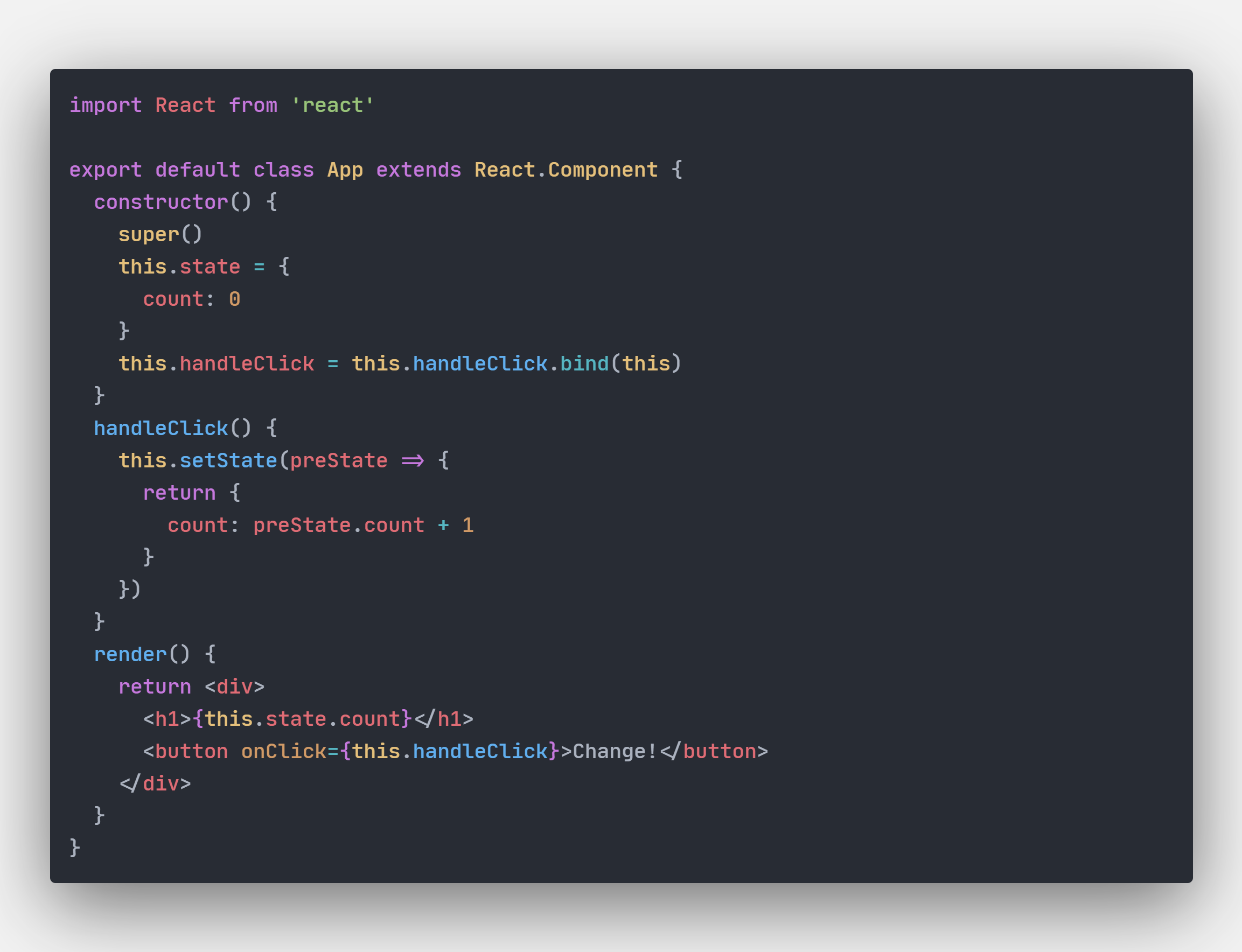
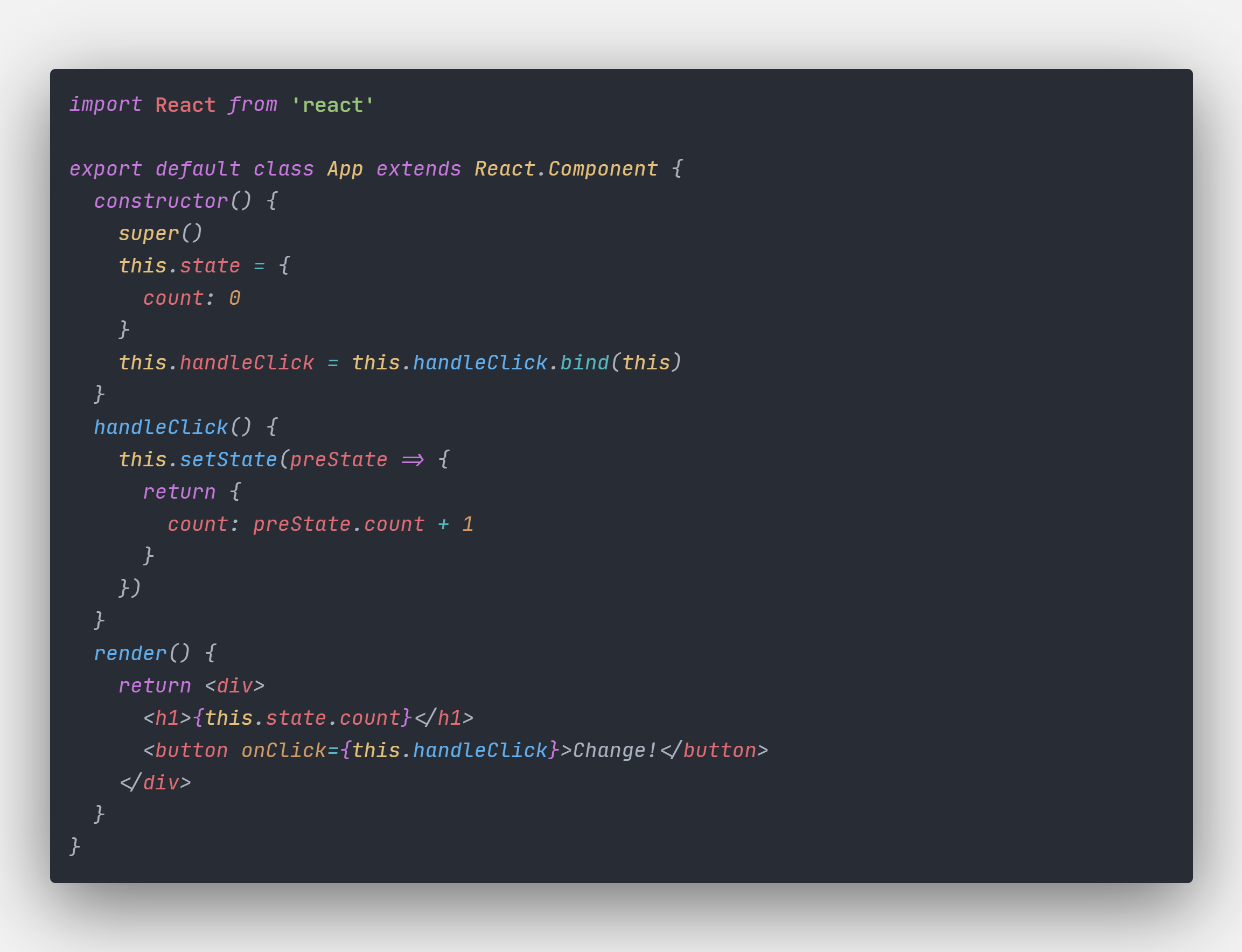
One Dark Pro is based on Atom's default One Dark theme, and is one of the most downloaded themes for VS Code. This document will show you how to install the theme on VS Code, and how to develop and contribute to this project.
screenshot
Install
Using the Extensions menu, search for 'One Dark Pro'. Don't forget to apply the theme (see below).
Apply
Press ctrl(⌘) + k, then press ctrl(⌘) + t, you will see a theme selection interface. Choose 'One Dark Pro'.
Develop
If you see any inconsistencies or missing colors, the following guide will show you how to make your own changes. You can submit your improvements as a merge request to this theme.
Clone this repo
$ git clone git@github.com:Binaryify/OneDark-Pro.git
Then run
$ yarn
Then use vscode open and press F5 key
Change the src/themes/themeData.ts or src/themes/data/* file then reload vscode and you will see the change
You also can use npm run package to package extension file, the *.vsic file will be generate, then use vscode install the vsic file
Principle
VS Code will parse code and specify a scope for each piece of syntax. For example, the scope may be a keyword, a constant, or punctuation. 'themeData.ts' includes the settings that tell VS Code how to format the text accordingly, using these scopes.
Common scope list
comment
constant
constant.character.escape
constant.language
constant.numeric
declaration.section entity.name.section
declaration.tag
deco.folding
entity.name.function
entity.name.tag
entity.name.type
entity.other.attribute-name
entity.other.inherited-class
invalid
invalid.deprecated.trailing-whitespace
keyword
keyword.control.import
keyword.operator.js
markup.heading
markup.list
markup.quote
meta.embedded
meta.preprocessor
meta.section entity.name.section
meta.tag
storage
storage.type.method
string
string source
string.unquoted
support.class
support.constant
support.function
support.type
support.variable
text source
variable
variable.language
variable.other
variable.parameter
Get code scope
VS Code comes with a built-in tool to easily obtain the scope of a piece of syntax.
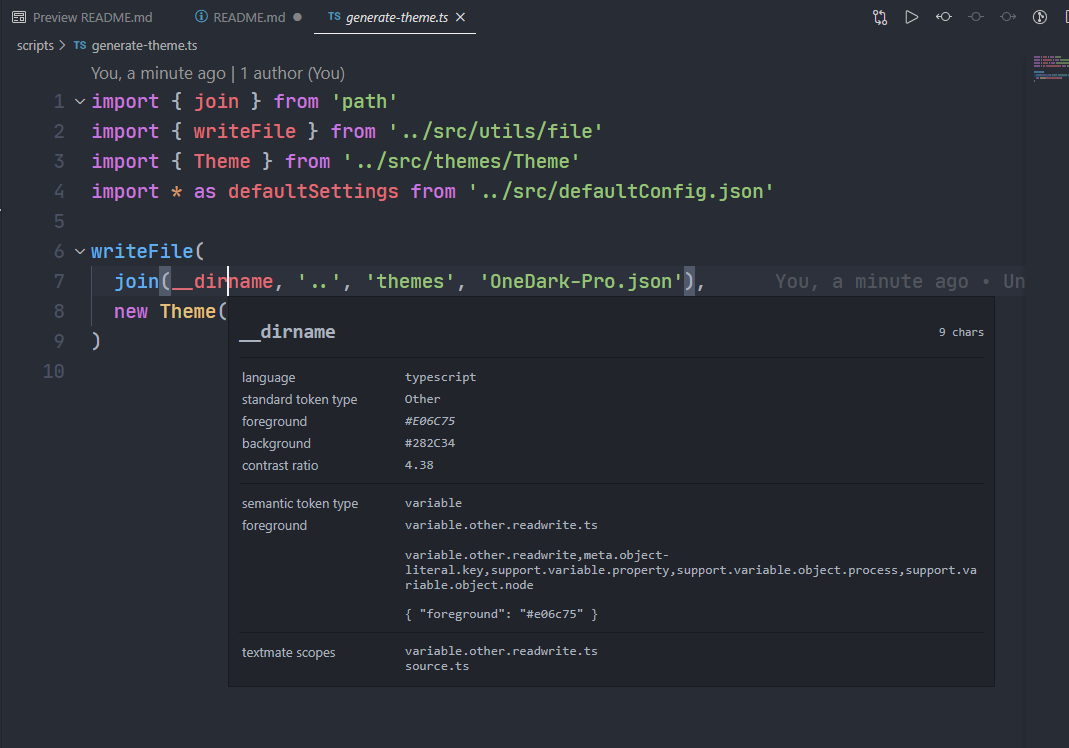
Press ctrl(⌘) + shift + P, then type dev, and choose "Developer: Inspect TM Scopes" option.
This will show you the selected token's scope. There are four sections:
-
the in-scope piece of syntax
-
language, token type, etc.
-
the theme rule and shows the foreground color of the token
-
the list of scopes for the token
Add/Change code color
Now you know the rules for the theme, you simply need the code scope and the hex color you would like. Now edit the 'themeData.ts' file, add/change code snippet like this:
{
      "name": "c++ function",
      "scope": "meta.function.c",
      "settings": {
        "foreground":  colorObj['coral']
      }
}
Reload
Then press ctrl(⌘) + shift + P, type 'reload' and press enter. Once the window has reloaded, you will find the color of the code has changed.
Tweaks & theming
If you want to play around with new colors, use the setting workbench.colorCustomizations to customize the currently selected theme.
For example, you can add this snippet in your "settings.json" file:
"workbench.colorCustomizations":{
    "tab.activeBackground": "#282c34",
    "activityBar.background": "#282c34",
    "sideBar.background": "#282c34"
}
or use the setting editor.tokenColorCustomizations
"editor.tokenColorCustomizations":{
    "[One Dark Pro]": {
      "textMateRules": [
        {
          "scope":["source.python"],
          "settings": {
            "foreground": "#e06c75"
          }
        }
      ]
    }
}
Please check the official documentation, Theme Color Reference and Theme Color , for more helpful information.
Highlight color custom
The colors default

You can custom the color in VS Code's settings

Contribute
Now you know how to develop the theme, you can fork this repository and send a pull request with your version. The request will be reviewed, and if successful, merged into this theme and published on the VS Code market.
To publish your own theme, please refer to the official documentation: https://code.visualstudio.com/docs/extensions/themes-snippets-colorizers