| .. | ||
| out | ||
| .vsixmanifest | ||
| LICENSE.txt | ||
| logo-dark.svg | ||
| logo-light.svg | ||
| logo.svg | ||
| package.json | ||
| README.md | ||
| small_logo.png | ||








Code Faster with AI Completions
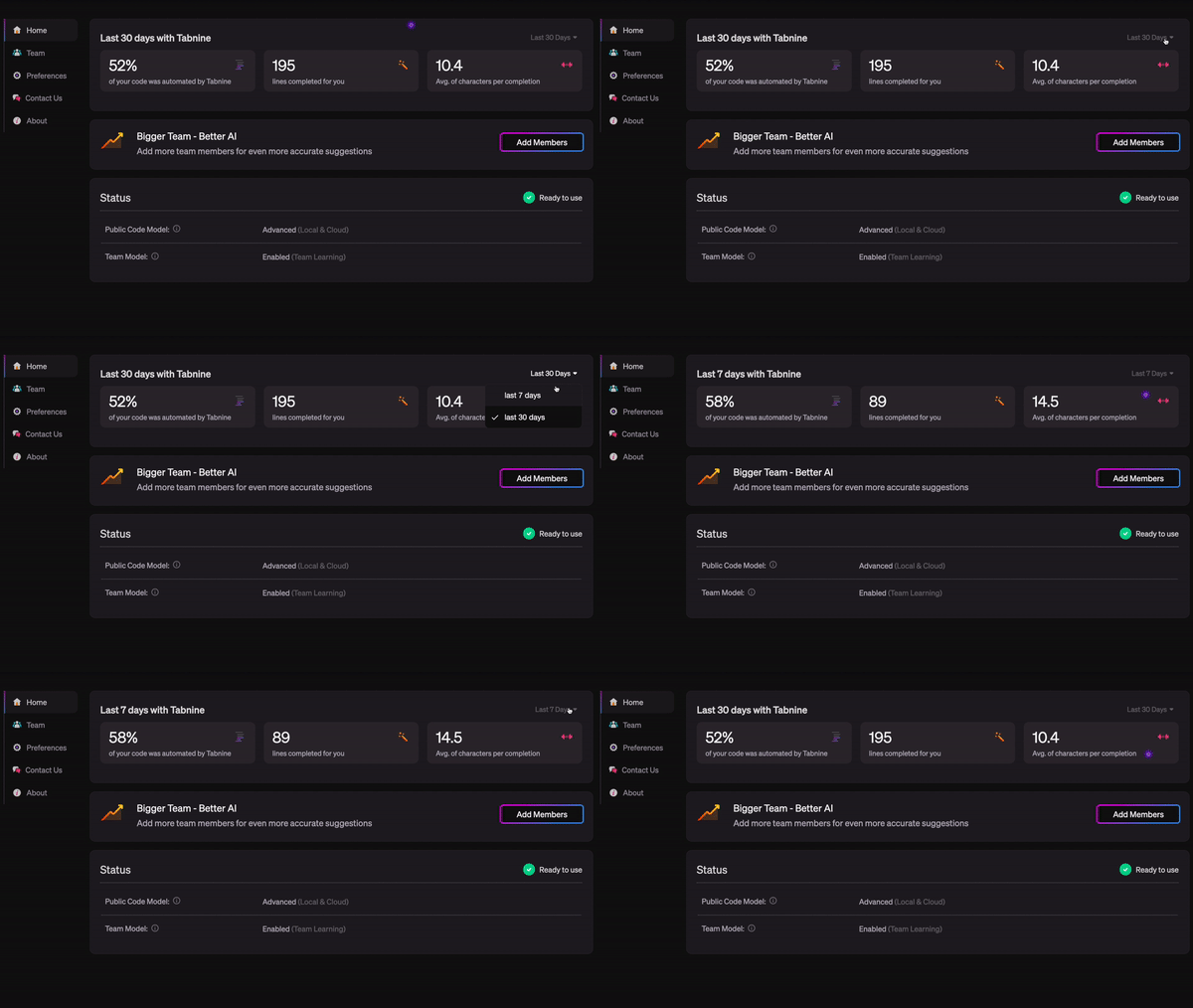
Boost your productivity with the expert guidance of an AI code completion assistant trusted by millions of developers.
Whether you are a new dev or a seasoned pro, working solo or part of a team, Tabnine’s AI assistant will increase your development velocity with code completions in all the most popular coding languages and IDEs.
Customize Your Code Completion Experience
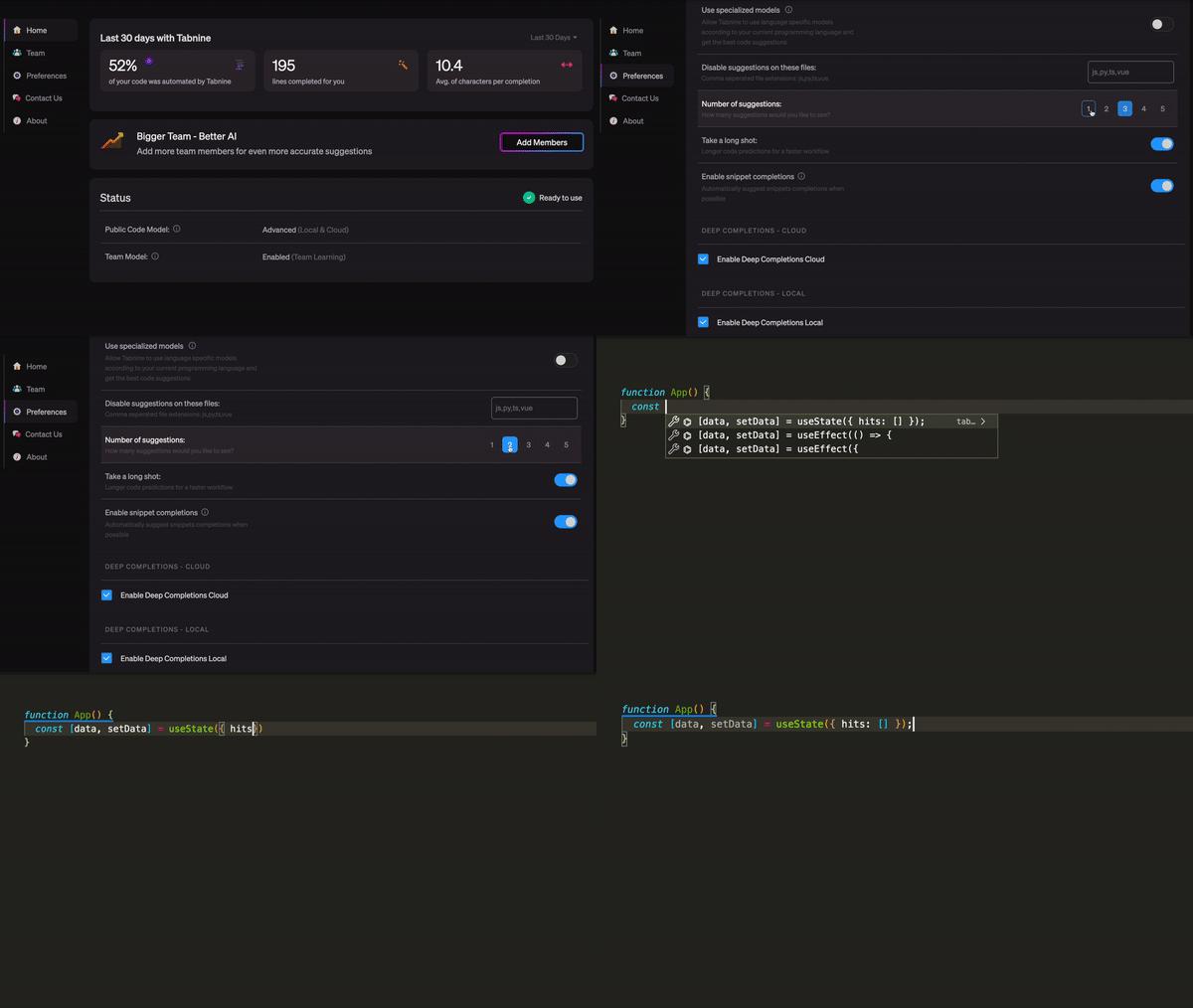
Personalized AI Model Trained On Your Code
Tabnine for Teams provides expert inline coding guidance with an AI assistant privately trained on your team’s coding standards.
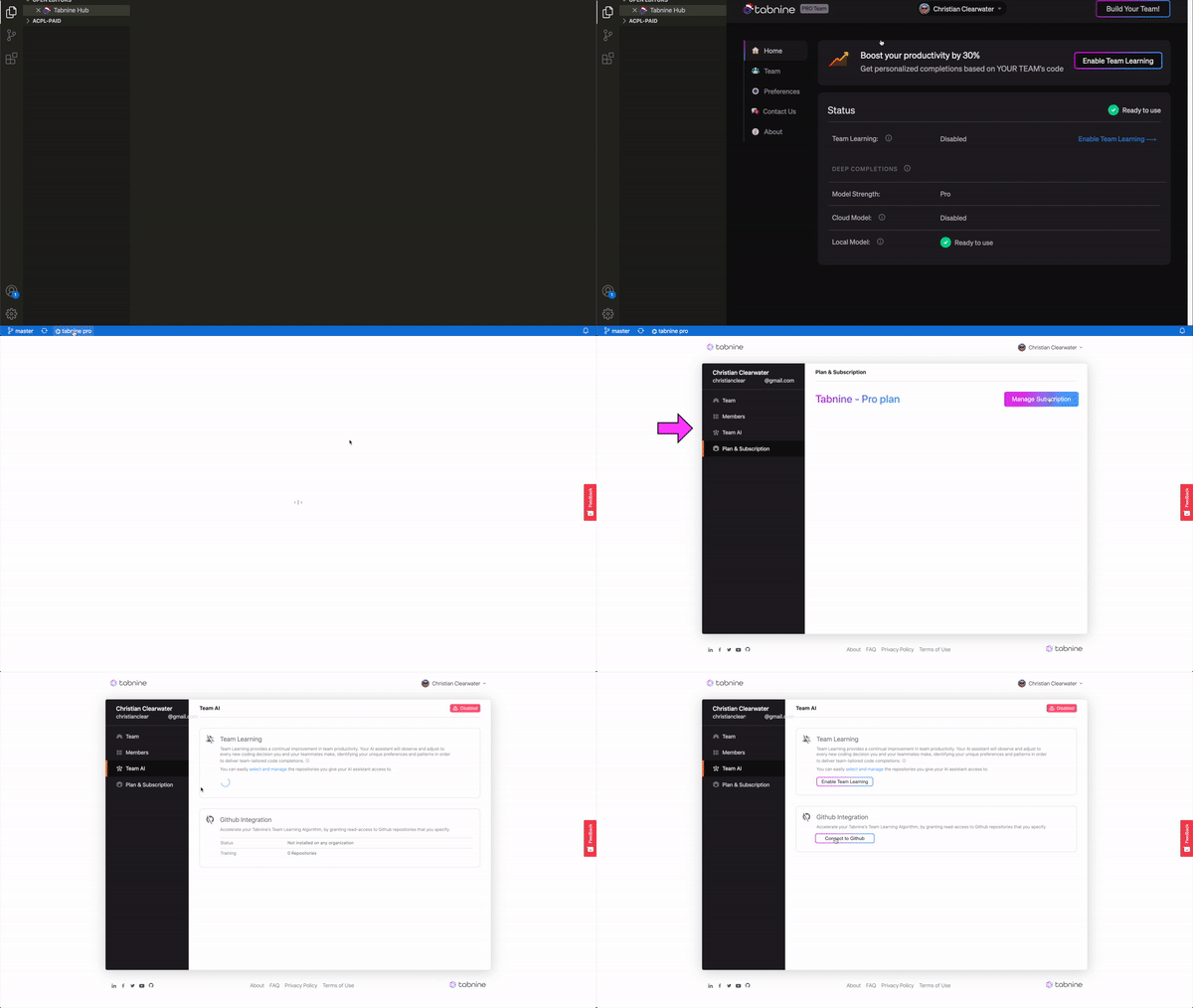
GitHub, GitLab and Bitbucket Integration
Tabnine makes it easy and secure for team admins to grant their AI assistant access to their Github, GitLab and Bitbucket repositories. Simply assign the repositories you want your AI assistant to learn from.
Tabnine - Your AI Assistant
Whether you call it IntelliSense, intelliCode, autocomplete, AI-assisted code completion, AI-powered code completion, AI copilot, AI code snippets, code suggestion, code prediction, code hinting, or content assist, you probably already know that it can massively impact your coding velocity, cutting your coding time in half.
Powered by machine learning models and trained on more than a billion lines of open-source code with permissive licenses, Tabnine is the most trusted AI-powered code completion available today.

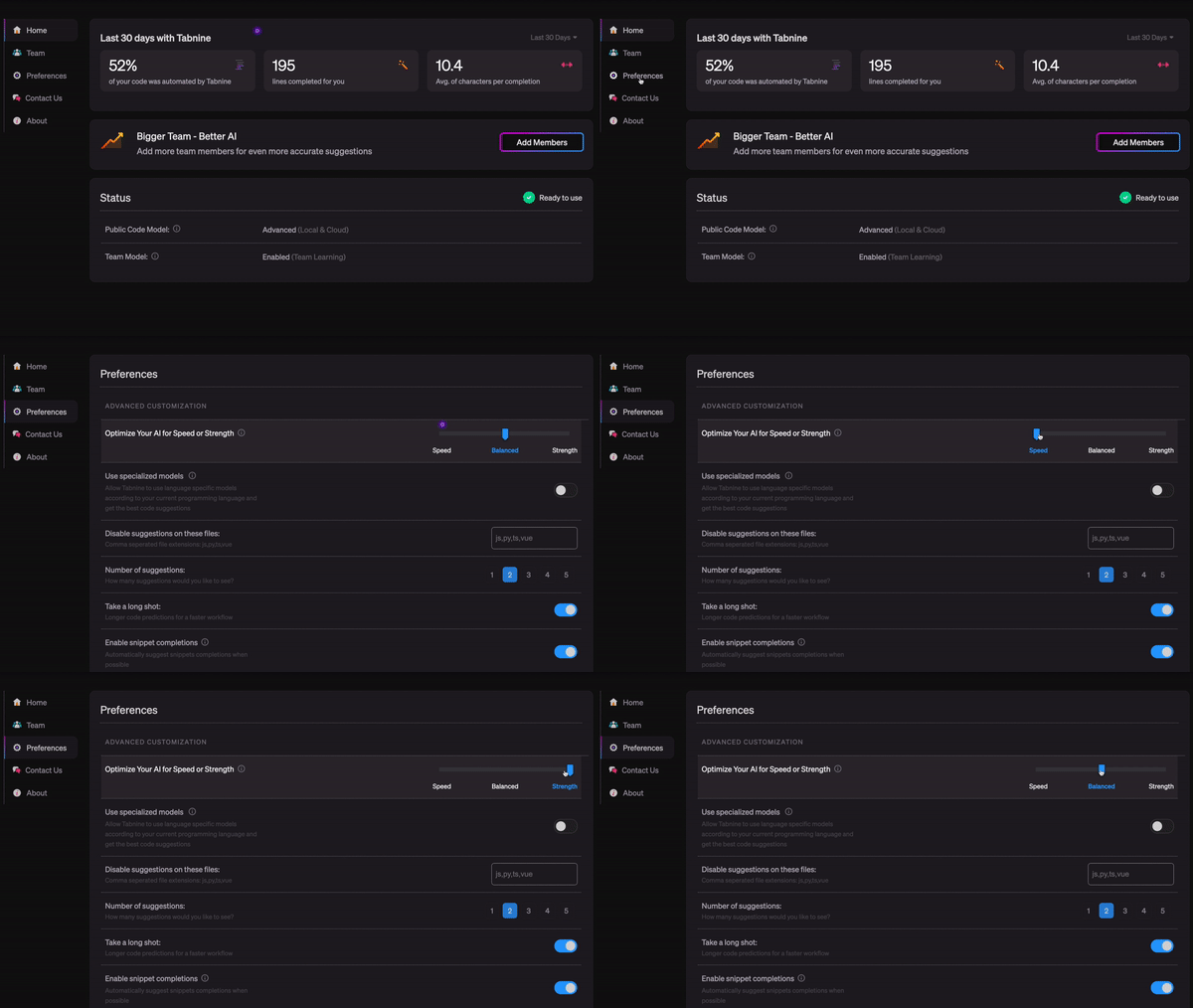
Easily configure Tabnine’s AI models to perform faster, stronger or balanced
All the Languages You Love
Including:
| Python | Javascript | Java |
|---|---|---|
| extended JS | React | PHP |
| Typescript | C Header | Bash |
| ML | Swift | Ruby |
| Perl | Rust | SQL |
| Vue | F# | Scala |
| Julia | TOML | Shell |
| YAML | C / C++/ C# | HTML |
| Lua | Markdown | Haskell |
| Go | Objective C | JSON |
| CSS / SCSS | Angular | Kotlin |
Easily Disable Code Completions on Files and Languages You Specify
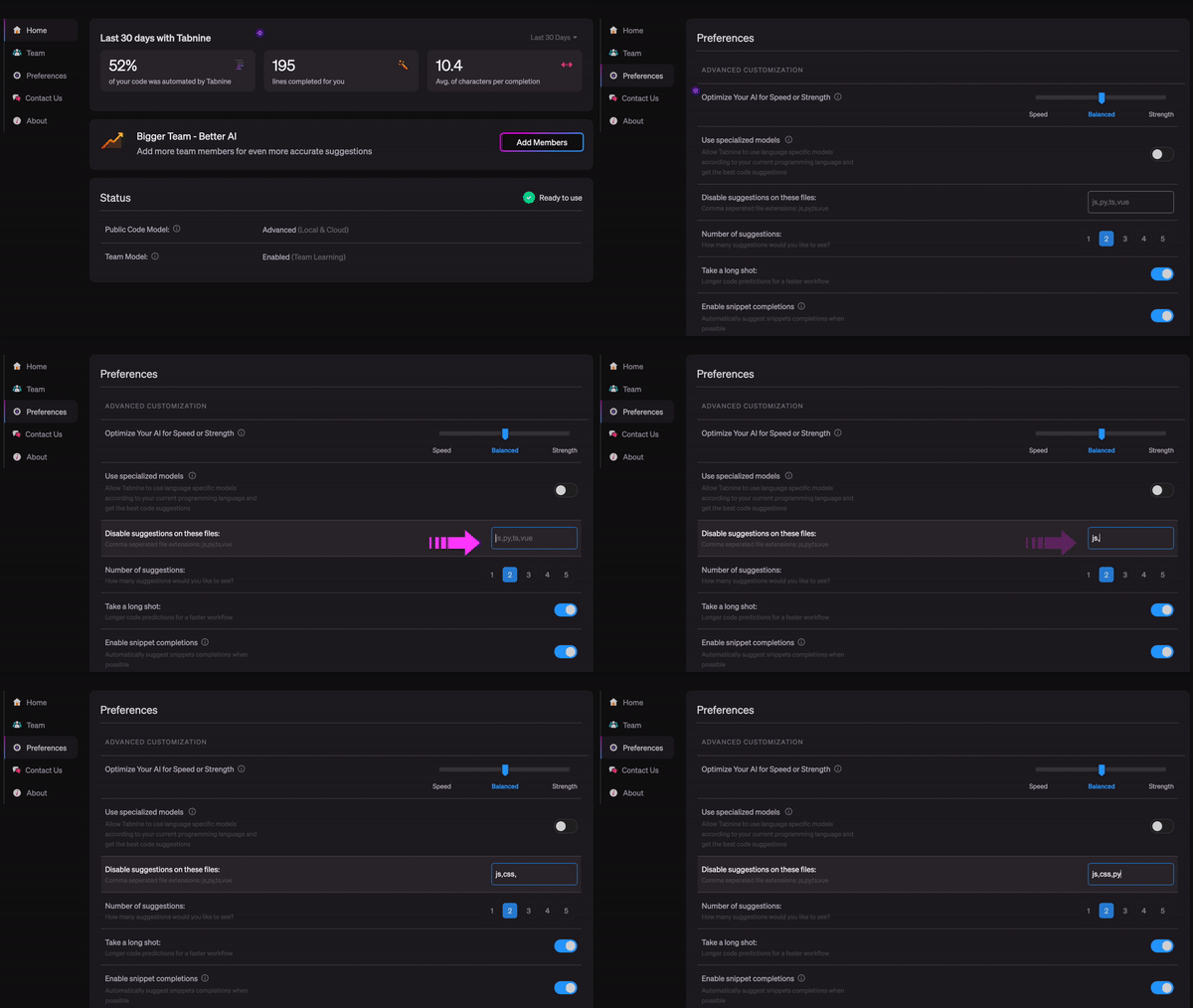
Code Faster with AI Completions
Tabnine reduces the need for expensive and distracting code searches and automates repetitive tasks, freeing developers to focus on creative coding.
Automate Remote Knowledge Sharing
Share knowledge effortlessly across countries and time zones. Tabnine learns your code patterns, providing expert guidance to every member of your team any time of day.
Improve Code Quality & Consistency
Tabnine Improves code consistency across your entire project, suggesting completions that align with your best practices for code that’s easier to read, manage, and maintain.
Accelerate Developer Onboarding
Tabnine’s AI assistant helps speed new team members through the onboarding process with instant inline coding guidance minimizing the training burden placed on senior developers.
Reduce Code Review Iterations
Your Tabnine AI assistant will help you get the right code the first time. Tabnine provides code guidance that’s consistent with your team’s best practices, saving costly and frustrating code review iterations.
Easy Installation
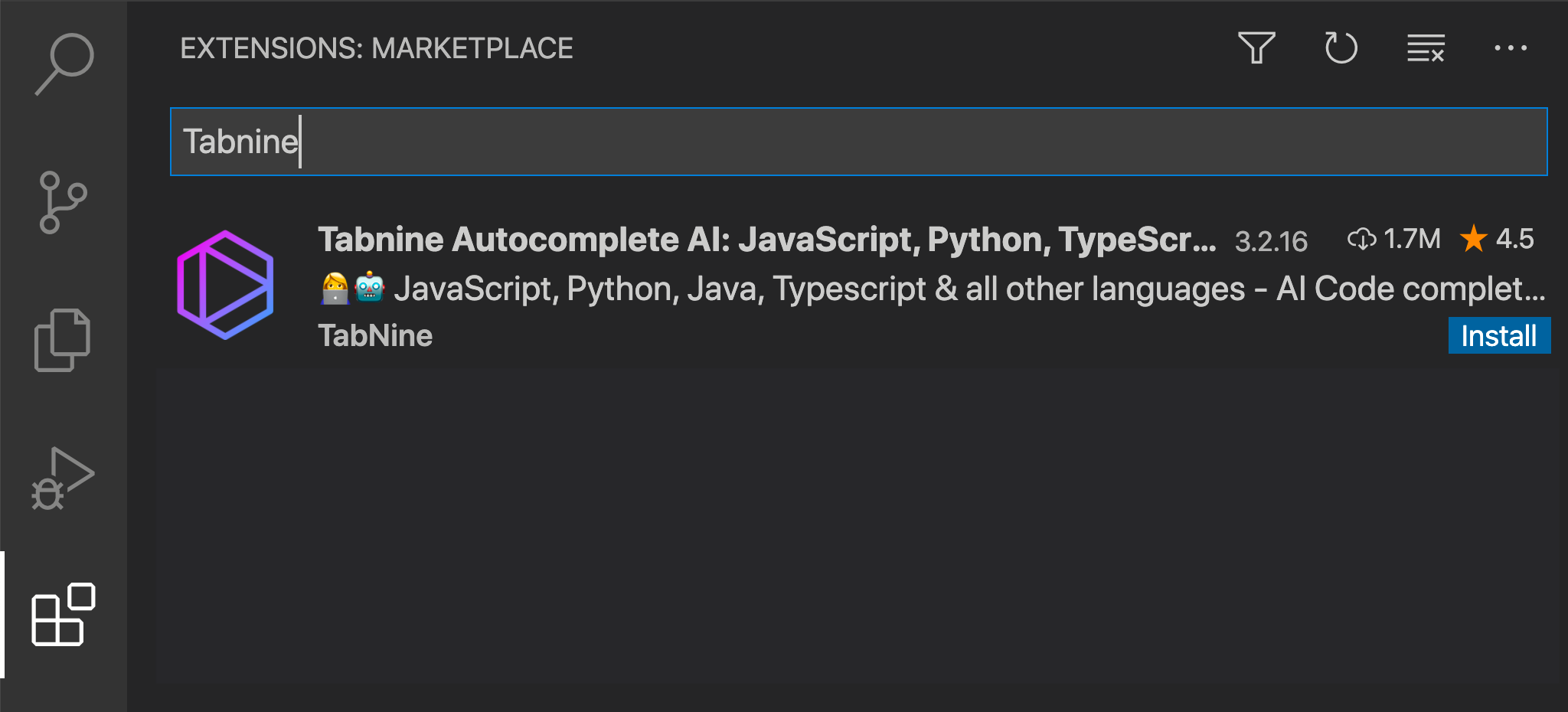
- Search for Tabnine in your Extensions Tab
- Click on the blue Install button
- Reload or restart your VSCode
Manual Installation inside VSCode
- Press Cmd+P (mac) or Ctrl+P (Windows) in your Visual Studio Code, type
ext install Tabnine.tabnine-vscodeand press Enter - Click the Reload button in the extensions tab
- The default behavior of Tabnine uses the Enter key to accept completions. If you would rather use the Enter key to start a new line, go to Settings → Editor: Accept Suggestion On Enter and turn it off.
FAQ
Got a question? We’ve got the answer - Check out our FAQ page
Tabnine Support
Having some trouble with installation? Something not working the way you hoped? Tabnine Support is always happy to help. Feel free to contact us anytime at support@tabnine.com
Tabnine App
Head up to the top right hand corner of the Tabnine homepage and click on the ‘My Tabnine’ icon to instantly launch the app and easily update and manage all your Tabnine for Teams account options, team settings, and enable GitHub, GitLab, and Bitbucket integrations.
Tabnine Hub
A quick click on Tabnine on your IDE status bar takes you directly to your Tabnine Hub where you can easily update and manage all your account options and customize your suggestion preferences.
Usage
After installation, navigate to the Tabnine Settings page (Open Settings from the Command Palette) and verify that Tabnine is successfully loaded (as shown in these screenshots).
Tabnine is a textual autocomplete extension. When you type a specific string in your editor, you will be shown the Tabnine completion dialog box with suggestions for completing the code you’ve begun typing.
Deep Completion
Deep Tabnine is trained on millions of files from GitHub. During training, Tabnine’s goal is to predict the next token given the tokens that came before. To achieve this goal, Tabnine learns complex behavior, such as type inference in dynamically typed languages.
Deep Tabnine can use subtle clues that are difficult for traditional tools to access. For example, the return type of app.get_user() is assumed to be an object with setter methods, while the return type of app.get_users() is assumed to be a list.
Deep Tabnine is based on GPT-2, which uses the Transformers Network Architecture. This architecture was first developed to solve problems in natural language processing. Although modeling code and modeling natural language might appear to be unrelated tasks, modeling code requires understanding English in some unexpected ways.
- Tabnine Indexes your entire project and determines which files to ignore by reading your
.gitignore - Tabnine cuts your number of keystrokes in half and eliminates unnecessary typos
- Tabnine works right out of the box ensuring frictionless installation and configuration
- Tabnine offers code completion suggestions in less than 10 milliseconds
Communities
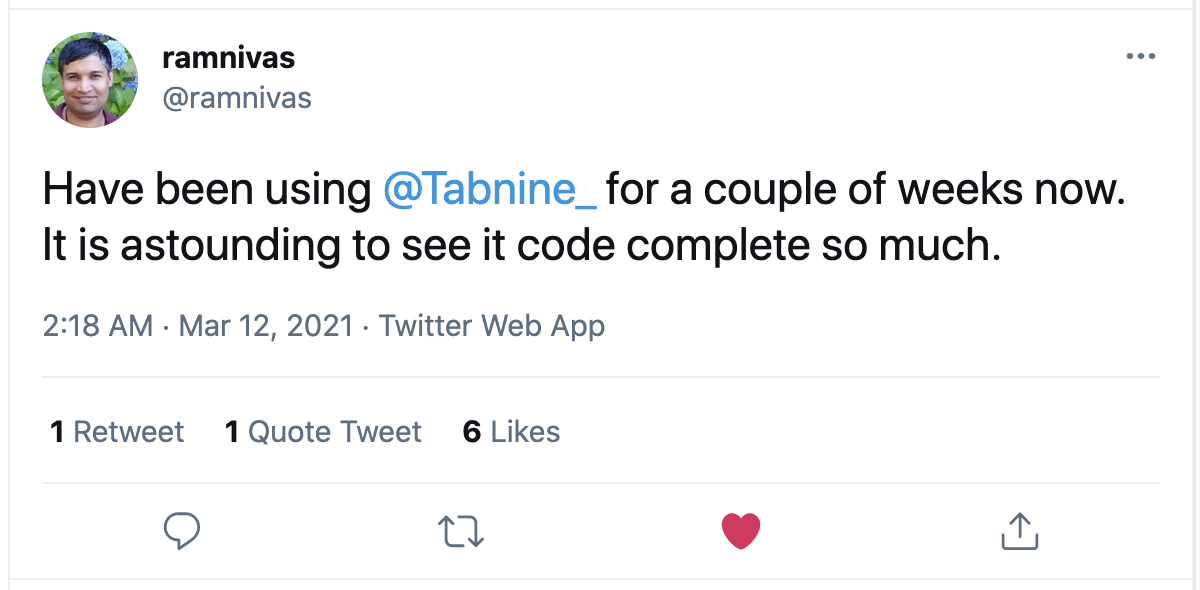
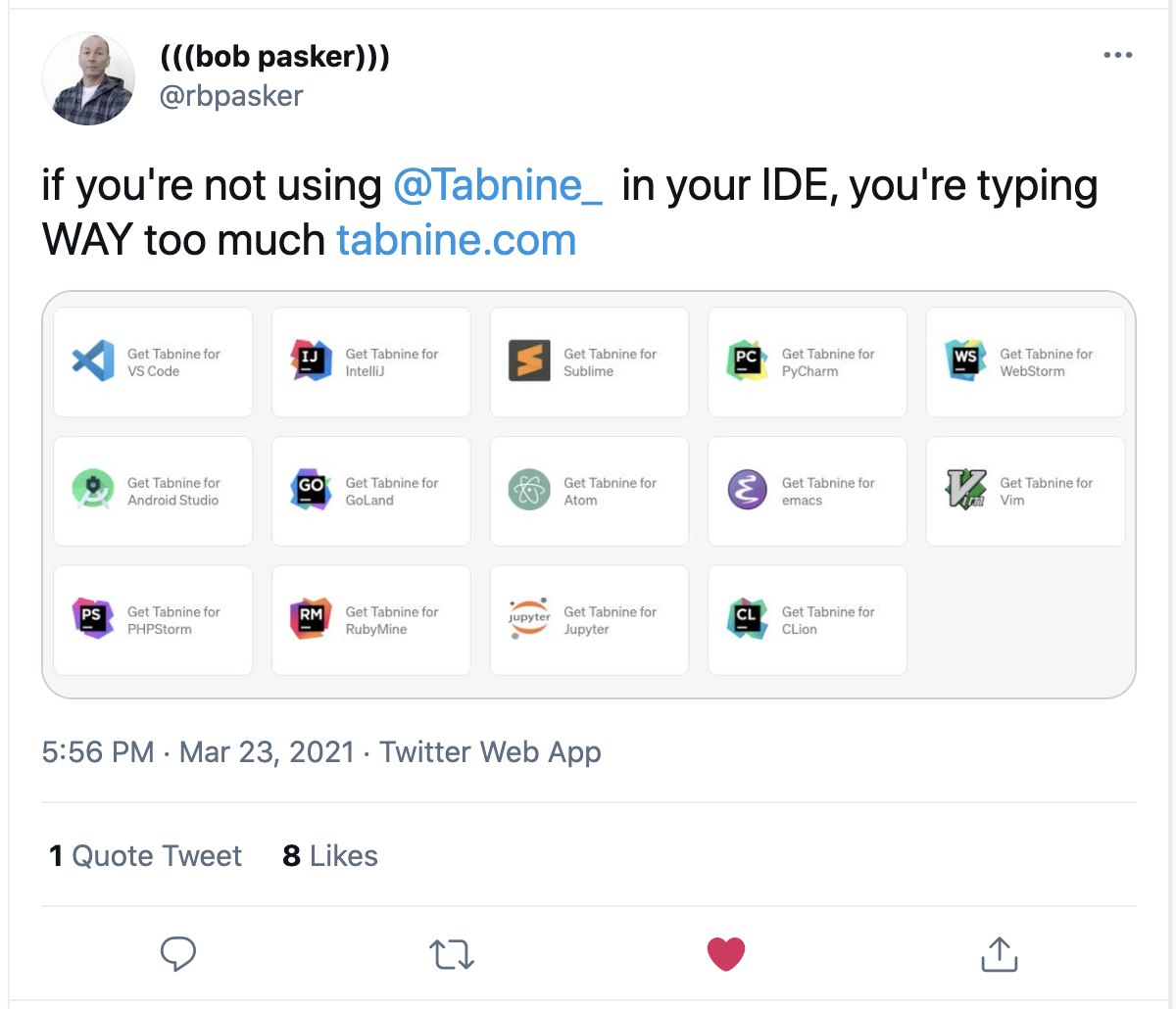
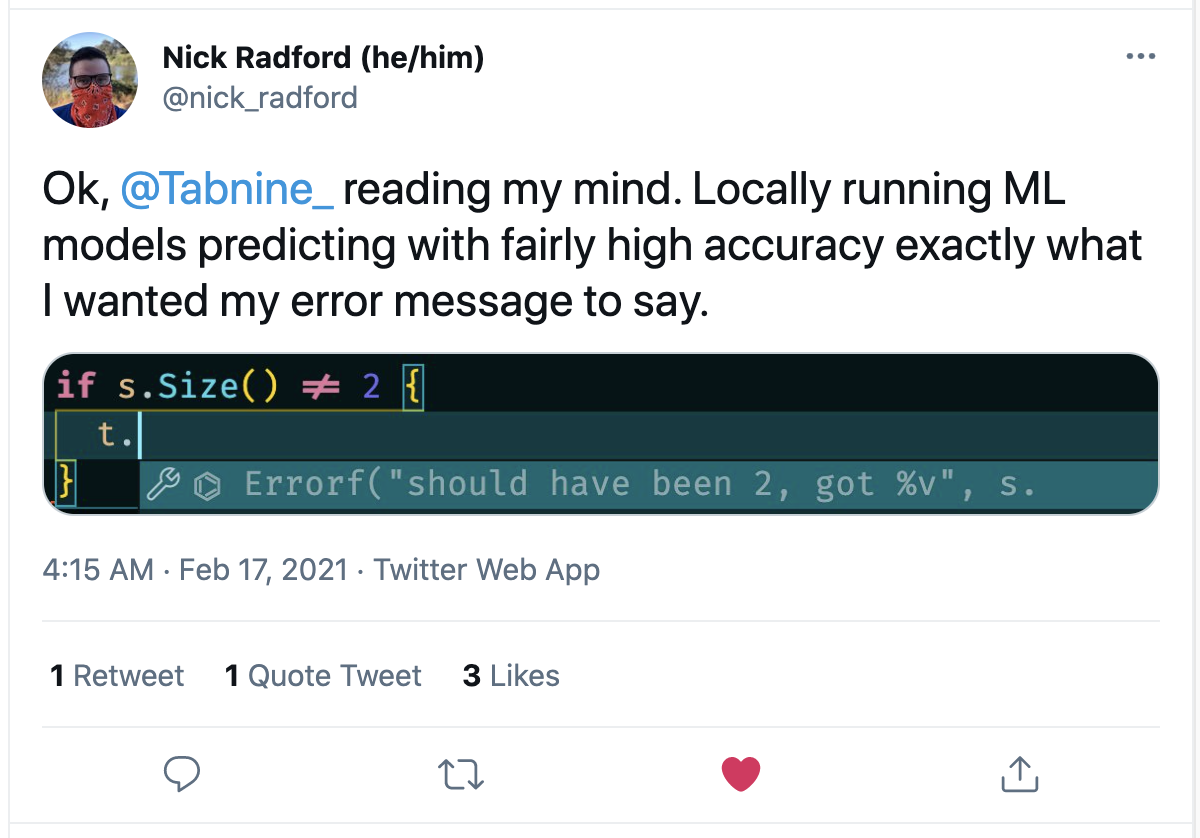
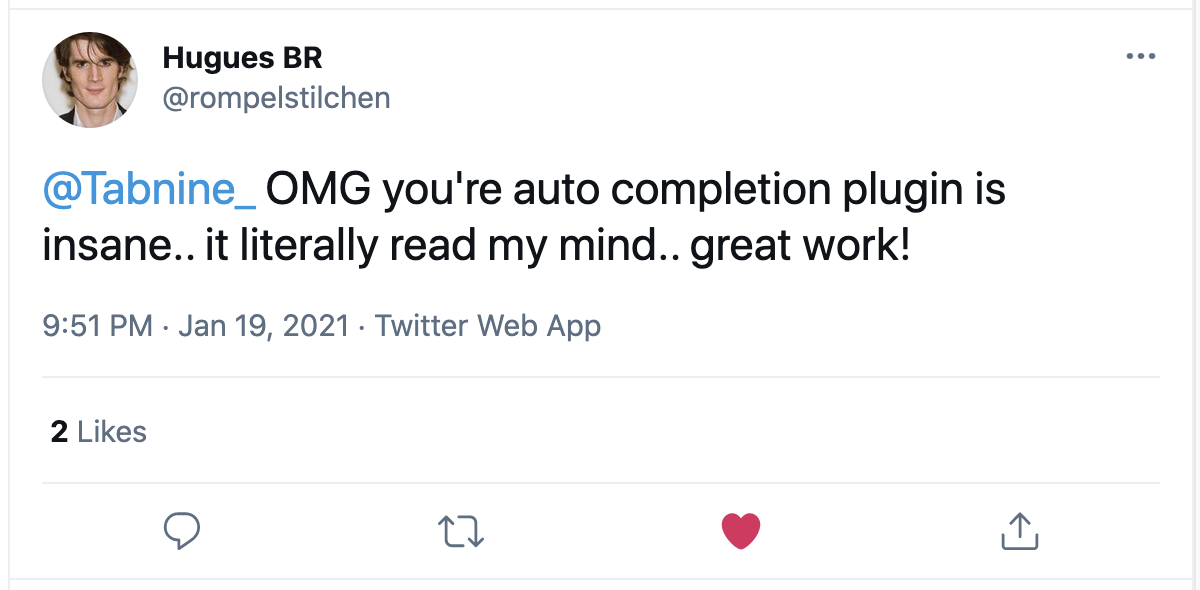
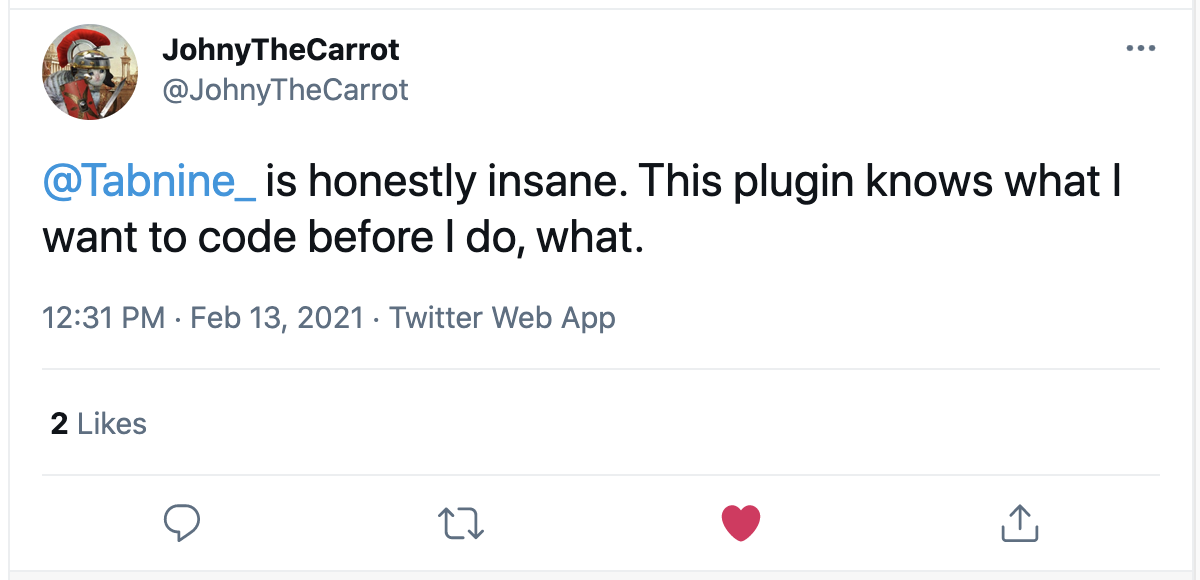
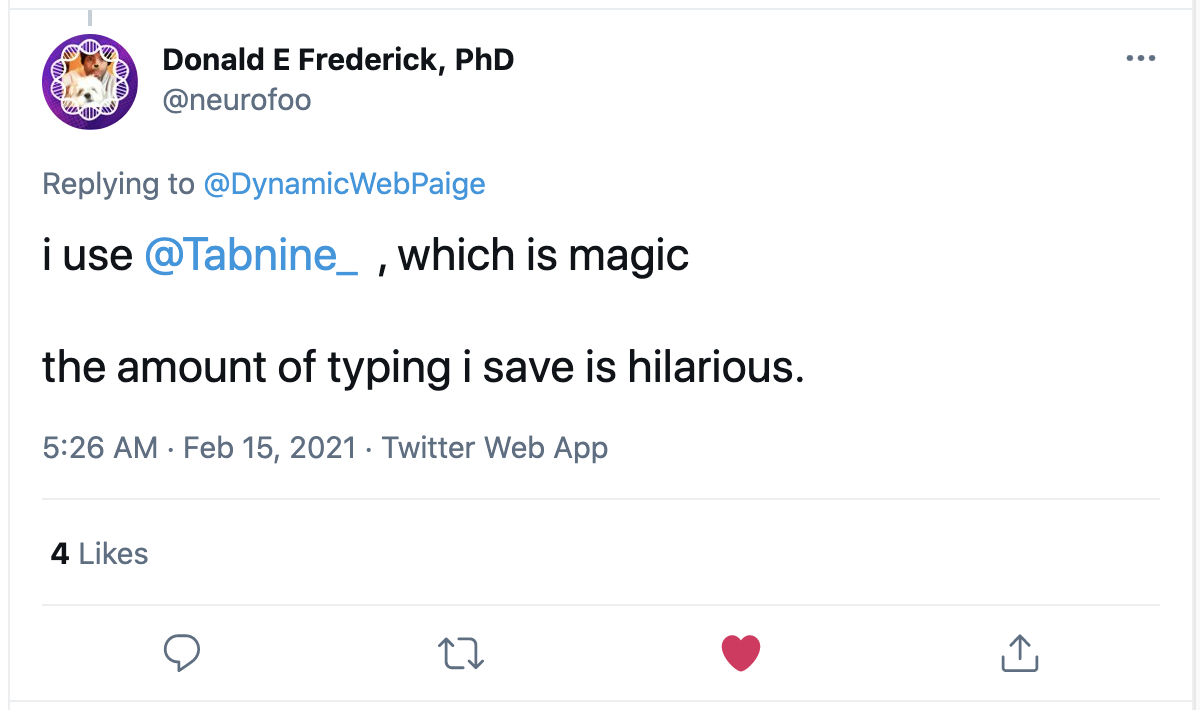
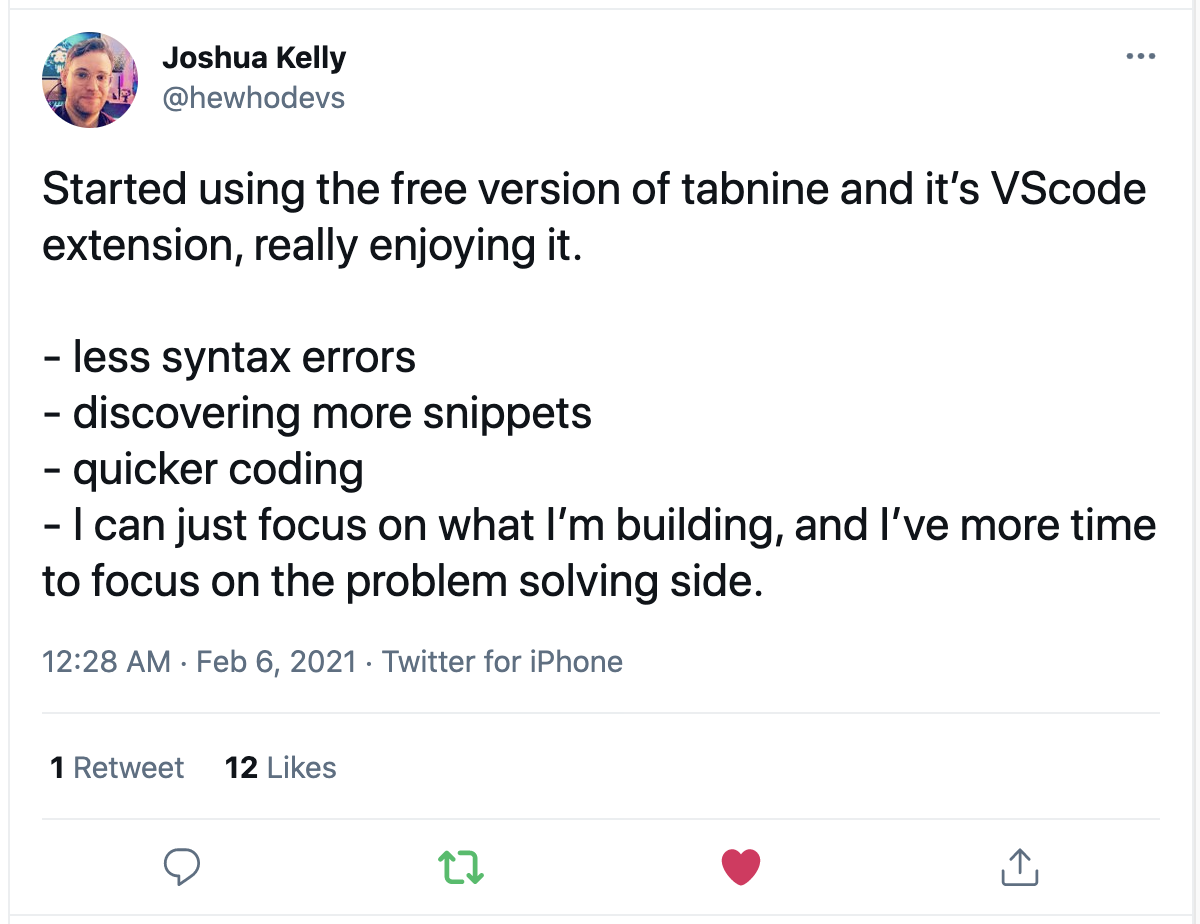
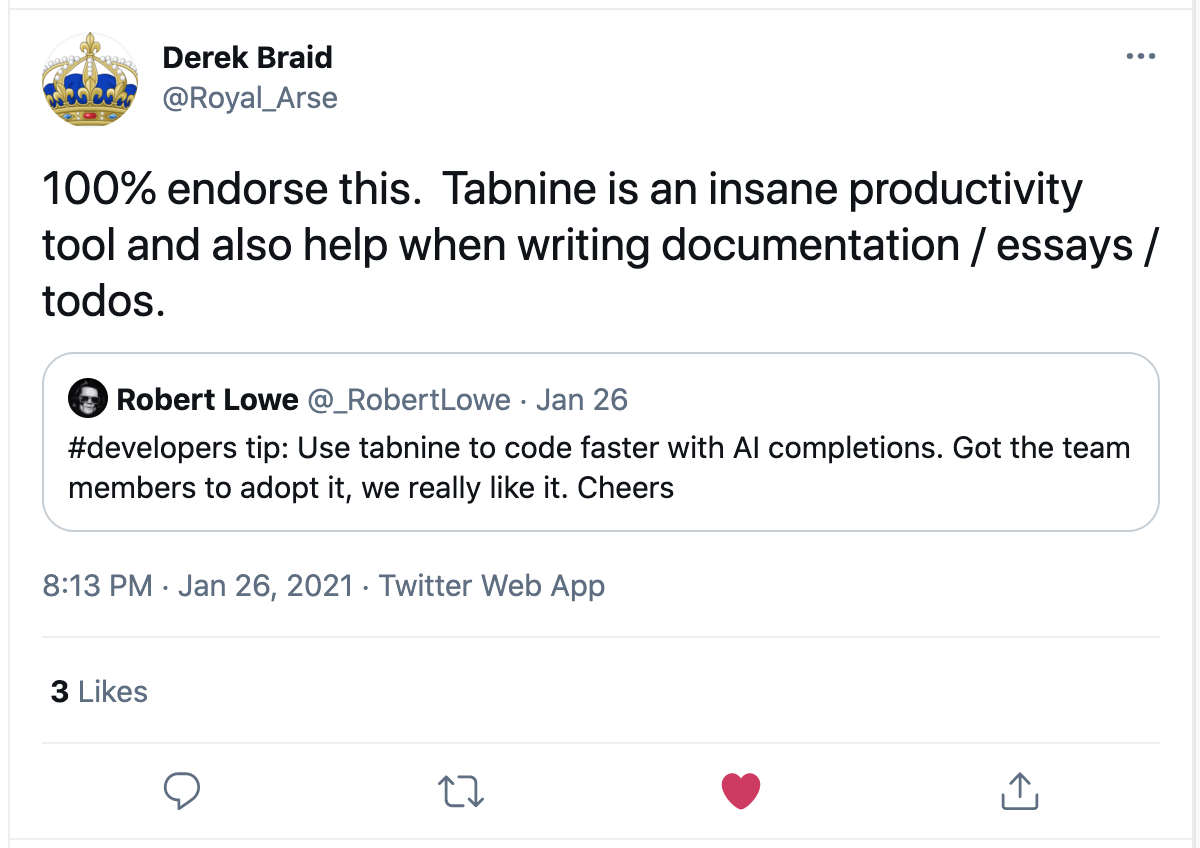
Recommended by developers everywhere:
-
Q: What is the difference between Tabnine Free and Tabnine Pro?
-
A: Tabnine’s Free version is a great option for junior developers working alone. The Free plan provides a reliable AI code completion assistant running an algorithm trained on a limited block of open-source code. Tabnine Pro delivers increased productivity and AI code completion accuracy for independent professional developers and teams of up to 50. Tabnine Pro’s algorithm trains on deep machine learning, a larger public code sampling, and language-specific models. The advanced AI assistant learns your team’s code, projects, preferences, and patterns, providing an unmatched real-time, in-IDE code completion experience. The more team members your Tabnine AI assistant interacts with, the more accurate your code completions become.
-
Q: What are the benefits for individual developers upgrading to Tabnine Pro (Teams)?
-
A: Experience improved productivity with longer, more accurate code completions thanks to Tabnine Pro’s advanced AI algorithm and language-specific models. Tabnine Pro learns from your code, projects, preferences, and patterns, providing a real-time, in-IDE code completion experience that is continuously improving. In addition, Tabnine Pro utilizes an advanced Public Code AI algorithm based on more than a billion lines of open-source code with permissive licenses.
-
Q: What are the benefits for teams of developers upgrading to Tabnine Pro (Teams)?
-
A: You and your team will experience improved productivity with longer, more accurate code completions thanks to Tabnine Pro’s Advanced AI code completion assistant. Tabnine Pro is powered by our Team Learning AI, advanced Public Code algorithm, and a variety of language-specific models. The result is a real-time, in-IDE code completion assistant that is constantly learning, adapting, and improving. The more team members your AI assistant interacts with, the better it gets at anticipating your team’s code completion needs.
-
Q: What type of online payments are accepted?
-
A: Tabnine accepts all major credit cards and debit cards, including Visa, Mastercard, American Express, and more. Tabnine also accepts Google Pay, Apple Pay, as well as additional payment options that may be available in your specific location (such as Alipay).
-
Q: Can I install Tabnine on multiple machines?
-
A: You can use your Tabnine license on as many computers and operating systems as you like. All Tabnine licenses are per-user, rather than per-machine.
-
Q: Is there a Tabnine Student program?
-
A: Yes, If you’re a student, you can register for Tabnine Pro for FREE using your school email address. Get Tabnine Student now
-
Q: Does the Tabnine Public Code Algorithm study code with permissive licenses?
-
A: Yes, the Tabnine Public Code Algorithm learns exclusively from code with permissive licenses.
-
Q: Does the Tabnine Team Learning Algorithm share my code or data?
-
A: NEVER! Your code and data are always kept 100% private for you and your team.
-
Q: Do both the Tabnine AI algorithms work together?
-
A: Yes, the two algorithms work in tandem, simultaneously providing next-level AI accuracy. Tabnine’s Public Code algorithm bases its suggestions on trusted public code with permissive licenses while the Team Learning Algorithm adapts to you and your team’s preferences, code selections, and ongoing AI interactions.
-
Q: Can I run Tabnine locally, or do I need to use the Cloud?
-
A: You can run Tabnine locally or on the cloud, you choose! Regardless, your code is never shared or used as part of Tabnine’s Public Code Trained AI - That’s the Tabnine Privacy Promise.
-
Q: Does Tabnine work in multiple IDEs?
-
A: Yes, Tabnine works with all your favorite IDEs, and in the most popular languages, libraries, and frameworks. See the full list of IDEs and languages HERE.
-
Q: How many languages does Tabnine support?
-
A: Tabnine supports dozens of languages with more being added all the time. See the full list of IDEs and languages HERE.
-
Q: Can my team and I manually adjust code completion preferences and suggestion length?
-
A: Yes, Tabnine Pro provides advanced customization options for code completion preferences.
-
Q: Can Tabnine be trained on my team’s existing codebase?
-
A: Yes - Tabnine Pro users have the option to train their private Tabnine AI algorithm on their existing codebase. This will provide an instant increase in the accuracy of you and your team’s code completions.
-
Q: What do you need to qualify for the Tabnine Student discount?
-
A: School can be tough so we’ve made getting the Tabnine Student Pass simple - all you need to register for your Free Tabnine Student Pro account is your school email address. Get Tabnine Student now
-
Q: How long does the Tabnine Student discount last?
-
A: Your FREE Tabnine Student Pro account is good for an entire year, and you can renew your Tabnine Student account every year for as long as you are in school. Get Tabnine Student now