| .. | ||
| dist/src | ||
| icons | ||
| images | ||
| .integrity.json | ||
| .nsriignore | ||
| .vsixmanifest | ||
| CHANGELOG.md | ||
| lang.nls.bundle.json | ||
| LICENSE.txt | ||
| package.json | ||
| package.nls.de.json | ||
| package.nls.el.json | ||
| package.nls.es.json | ||
| package.nls.fr.json | ||
| package.nls.it.json | ||
| package.nls.ja.json | ||
| package.nls.json | ||
| package.nls.pt-br.json | ||
| package.nls.ru.json | ||
| package.nls.tr.json | ||
| package.nls.zh-cn.json | ||
| README.md | ||

vscode-icons





Bring icons to your Visual Studio Code (minimum supported version: 1.40.2)
Gold Sponsors

Manage pull requests and conduct code reviews in your IDE with full source-tree context. Comment on any line, not just the diffs. Use jump-to-definition, your favorite keybindings, and code intelligence with more of your workflow.
Learn More
Installation
To install the extension just execute the following command in the Command Palette of Visual Studio Code:
ext install vscode-icons
Some people have reported that they cannot find the extension when they insert the installation command.
If you find yourself in the same position, try:
ext install icons
# or
ext install "vscode-icons"
Security
vscode-icons utilizes NSRI for its subresources integrity check and protection against code injection.
Usage
Once installed and after reloading vscode, you will be presented with a message to Activate the icons.
In case this doesn't happen, navigate to:
Linux&Windows=>File > Preferences > File Icon Theme > VSCode Icons.MacOS=>Code > Preferences > File Icon Theme > VSCode Icons.
Features
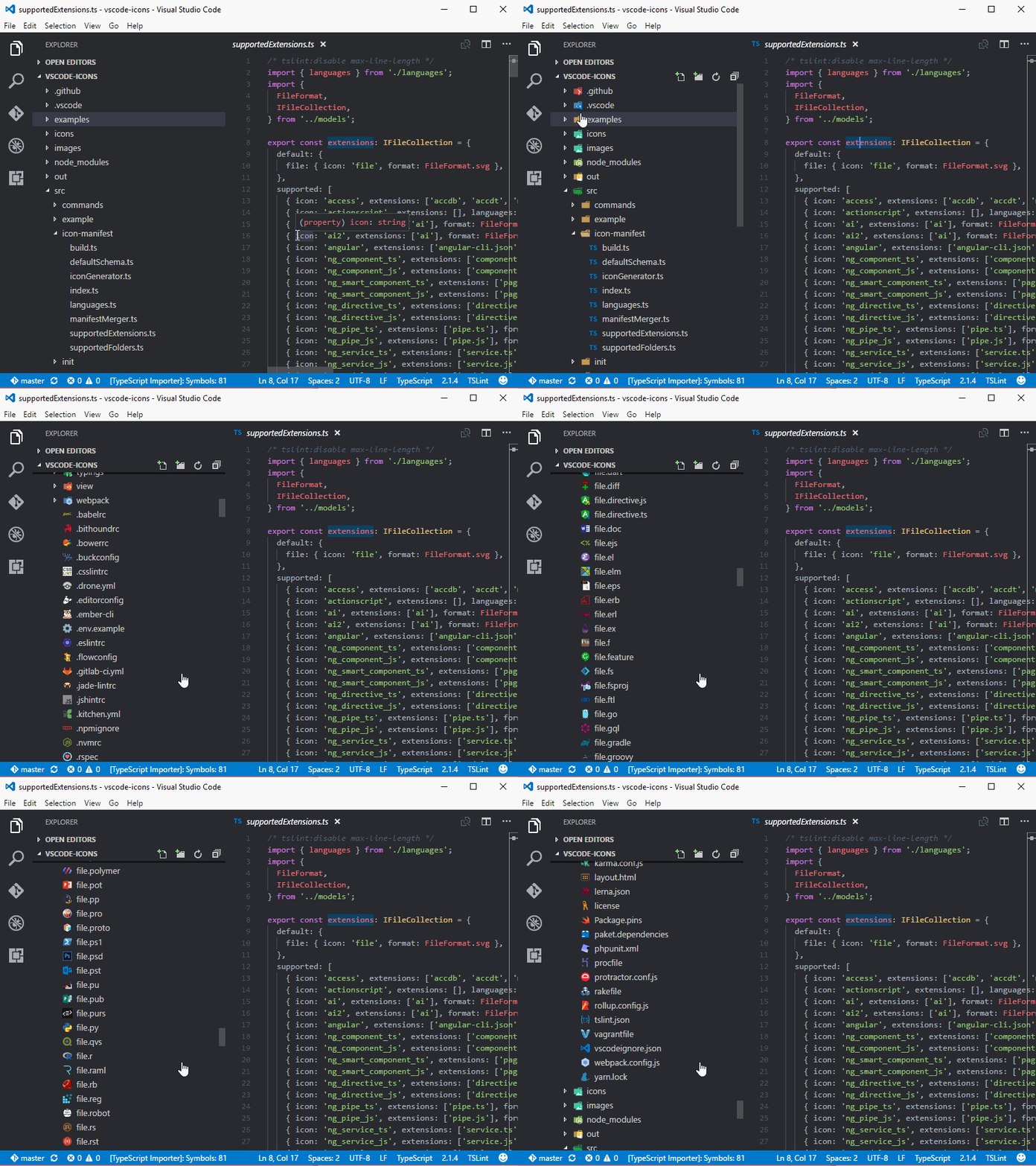
vscode-icons is being shipped with a lot of features, like:
Globalization
vscode-icons uses Crowdin to provide translations for vscode supported languages.
We are looking for translators and proofreaders for all vscode supported languages.
If you'd like to contribute, checkout the translation section.
Contributing
If you like to get involved with the source code, checkout the build section.
For those using Docker checkout the docker section.
On the other hand, if you want to show the world your artistic side, checkout the contributing section.
In any case, please follow our contribution guidelines.
Documentation
In our wiki you can find info, like:
and more.
Credits
Kudos to all contributors that made this extension what it is.
License
The source code is licensed under the MIT license.
The icons are licensed under the Creative Commons - ShareAlike (CC BY-SA) license.
Branded icons are licensed under their copyright license.
Versioning
vscode-icons follows Semantic Versioning 2.0.0.
Change Log
You can checkout all our changes in our change log.
Acknowledgements
We like to express our "Special Thanks" to:
- All users that made us their favorite Icons theme. We wouldn't be where we are without you.
Related extensions
- vscode-icons for GitHub by @dderevjanik will allow you to see all
GitHub's files withvscode-iconsicons. - vscode-icons-js by @dderevjanik get file/folder specific icon from
vscode-iconsicons.
Enjoy!