 Kristofers Solo
1a19d1112b
Kristofers Solo
1a19d1112b

Update 2025-06-06 Update 2025-06-08 Update 2025-06-11 Update 2025-06-11 Update 2025-06-18 Update 2025-06-24 |
||
|---|---|---|
| .. | ||
| assets | ||
| LICENSE | ||
| main.lua | ||
| README.md | ||
mediainfo.yazi
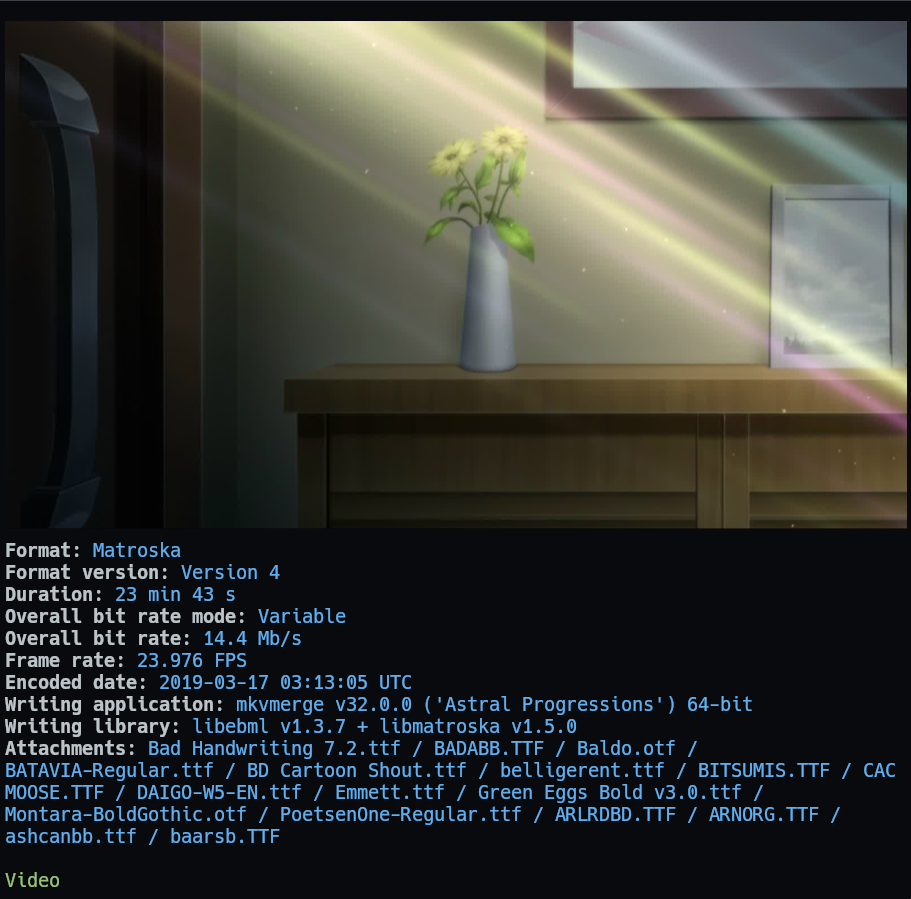
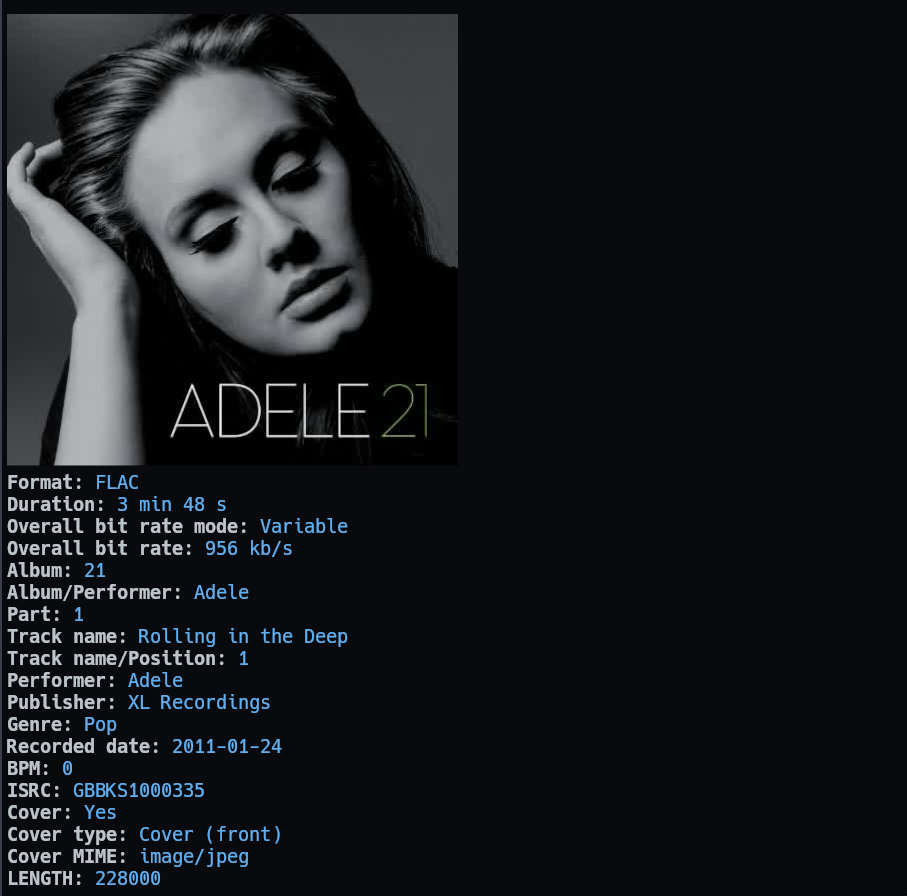
This is a Yazi plugin for previewing media files. The preview shows thumbnail
using ffmpeg if available and media metadata using mediainfo.
Important
Minimum version: yazi v25.5.31.
Preview
- Video
- Audio file with cover
- Images

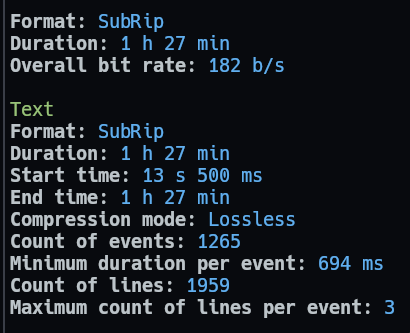
- Subtitle
- SVG+XML file doesn't have useful information, so it only show the image preview.
- There are more extensions which are supported by mediainfo. Just add file's MIME type to
previewers,preloaders.
Installation
Install mediainfo CLI:
-
Run this command in terminal to check if it's installed correctly:
mediainfo --version -
If it output
Not foundthen add it to your PATH environment variable. It's better to ask ChatGPT to help you (Prompt:Add MediaInfo CLI to PATH environment variable in Windows).
Install + config this plugin:
[!IMPORTANT] >
mediainfouse video, image, svg, magick built-in plugins behind the scene to render preview image, song cover. So you can remove those 3 plugins frompreloadersandpreviewerssections inyazi.toml.
If you have cache problem, run this cmd, and follow the tips: yazi --clear-cache
ya pkg add boydaihungst/mediainfo
# or
ya pack -a boydaihungst/mediainfo
Config folder for each OS: https://yazi-rs.github.io/docs/configuration/overview
Create .../yazi/yazi.toml and add:
[plugin]
  prepend_preloaders = [
    # Replace magick, image, video with mediainfo
    { mime = "{audio,video,image}/*", run = "mediainfo" },
    { mime = "application/subrip", run = "mediainfo" },
  ]
  prepend_previewers = [
    # Replace magick, image, video with mediainfo
    { mime = "{audio,video,image}/*", run = "mediainfo"},
    { mime = "application/subrip", run = "mediainfo" },
  ]
  # There are more extensions which are supported by mediainfo.
  # Just add file's MIME type to `previewers`, `preloaders` above.
  # https://mediaarea.net/en/MediaInfo/Support/Formats
Custom theme
Using the same style with spotter Read more: https://github.com/sxyazi/yazi/pull/2391
Edit or add yazi/theme.toml:
[spot]
# Section header style.
# Example: Video, Text, Image,... with green color in preview images above
title = { fg = "green" }

# Value style.
# Example: `Format: FLAC` with blue color in preview images above
tbl_col = { fg = "blue" }